87
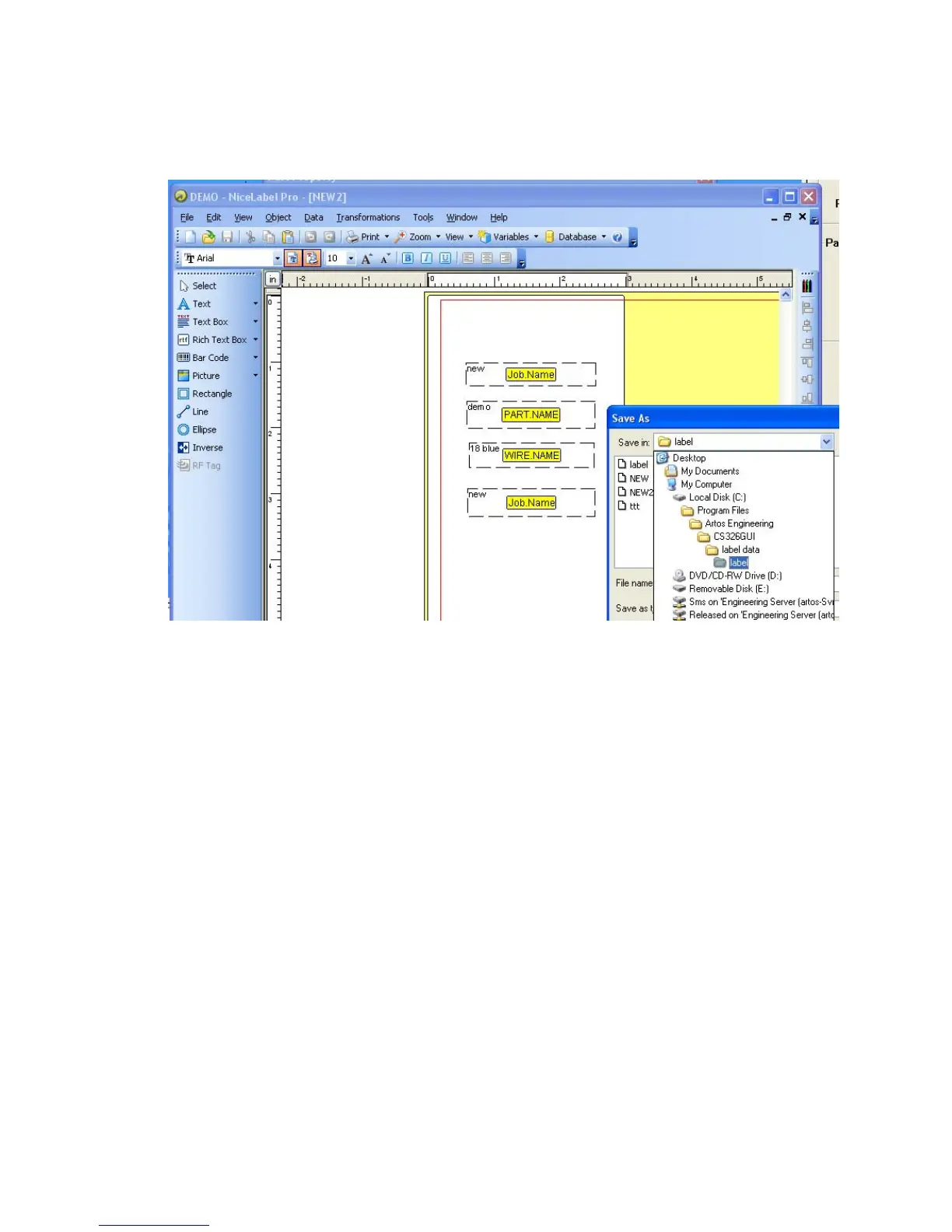
Engineering\CS326GUI\Label Data if the (x86) directory does not exist then save it to
C:\Program Files\Artos Engineering\CS326GUI\Label Data.
Programming the variables to print
When starting to create a label you first need to load the variable values you want to display on your label
in to the “Nicelable Pro” variable list. The available variables are listed in the section “Variable list”
below.
1. From the NiceLabel main menu click on Data -Variables.
2. On the variables window click New.



 To Next Page