EFD1000 Installation Manual
DOCUMENT # A-01-126-00 PAGE 141-225 Revision H
© Copyright 2009 Aspen Avionics Inc.
ACU FD TYPE: 0= None, no flight director installed
1= KI-254/KI-256, Emulates the KI-254/256 Flight Director
2= Reserved
3= G-550A, Emulates the G-550A Flight Director
4= 52C77, Emulates the 52C77 Flight Director
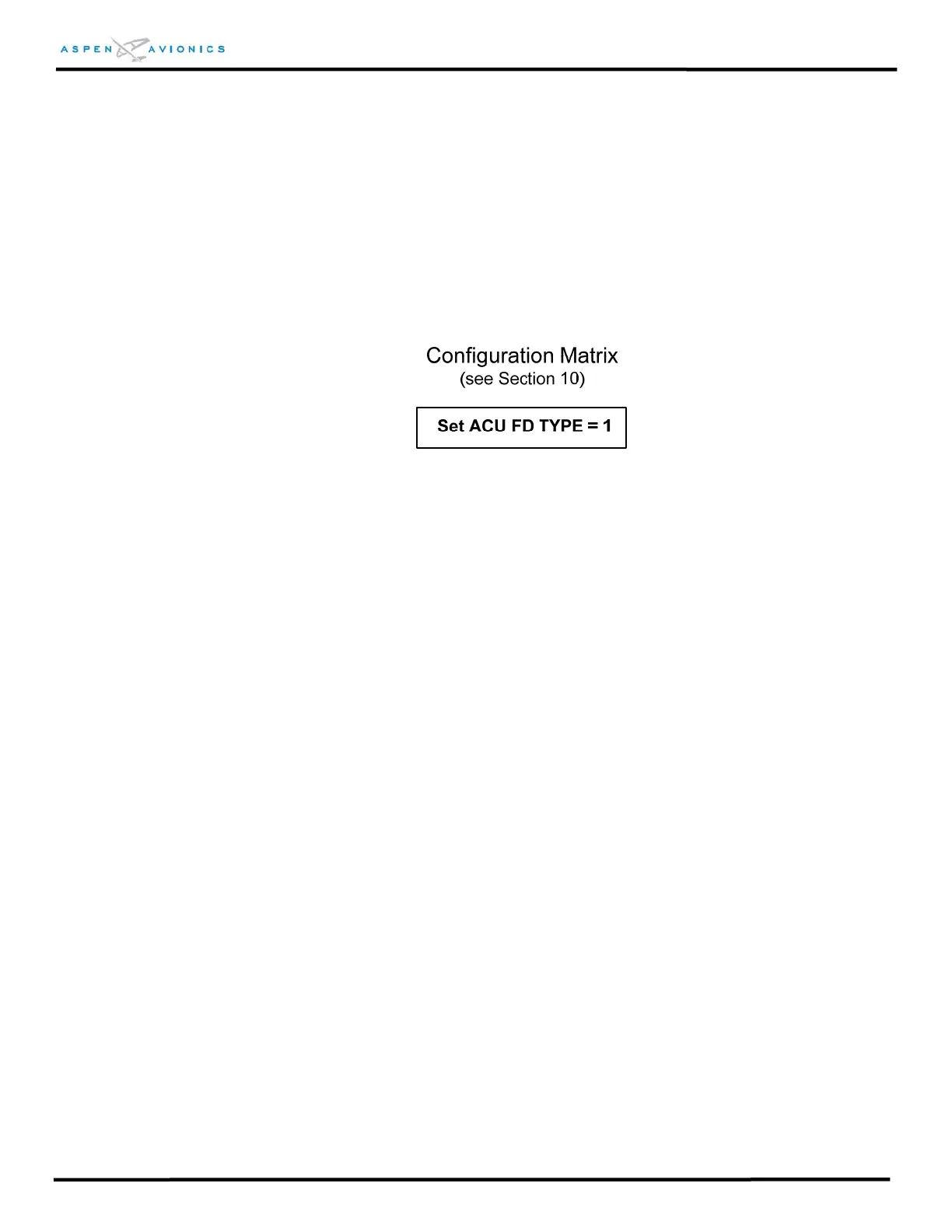
Below is an example from Figure 9.20 showing a KI-256 Emulation. In this case you
would set the ACU FD TYPE =1:
ACU DATUM: 0 = Normal
1 = Reversed. It may be necessary to select “Reversed” if the HDG or
CRS Datum drives the autopilot in the opposing direction. Some HSI
instruments use reversed logic for CRS and HDG Datum. Verify through
ground test the proper setting (see section 10.6.9).
FD ROLL OFFSET ADJ: Flight Director Roll Offset is used to align the PFD Command
Bars to the Command Bars on the mechanical FD instrument in the roll axis. Positive
number increases roll in RIGHT (clockwise) direction. Negative number increases roll in
LEFT (counterclockwise) direction.
FD PITCH OFFSET ADJ: Flight Director Pitch Offset is used to align the PFD Command
Bars to the Command Bars on the mechanical FD instrument in the pitch axis. Positive
number increases pitch in UP direction. Negative number increases pitch in DOWN
direction.
PFD software version 1.0 only
- Since the command bars are not visible in the
Installation Menu you will need to make note of how many degrees the bars must
move to be aligned. Next enter the noted offset value, then exit the menu and
check command bars for alignment, then enter Installation Menu again if
necessary to make any further adjustment.
PFD software version 1.1 and later
- The value of the command bars position is
digitally shown in the top portion of the Installation Menu when the autopilot’s
flight director is valid and engaged. This will assist you in aligning the PFD flight
director to the mechanical flight director indicator.



 To Next Page