115
1. Tap the Service application button on the MaxiTPMS Job Menu.
2. Tap the BMS button. The vehicle manufacturer selection screen
displays. Tap VIN Scan or the vehicle manufacturer to acquire
vehicle VIN information and tap Yes to confirm. See Vehicle
Identification on page 83 for details.
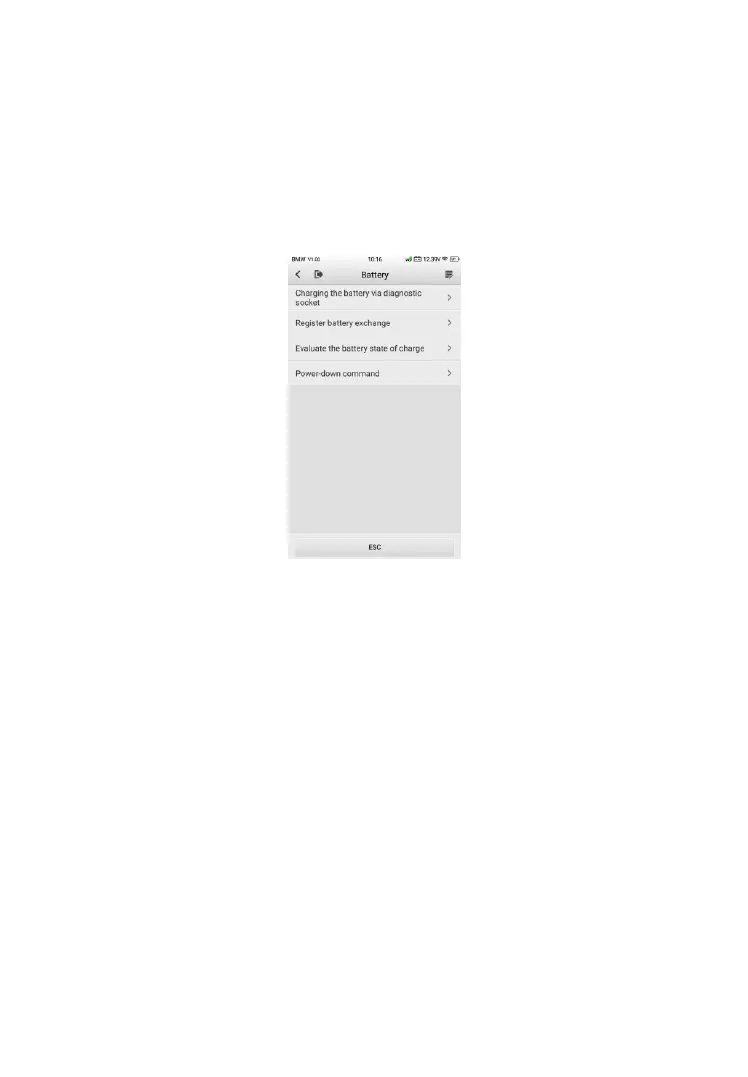
3. Tap Register Battery Exchange in the BMS function list, the list
may vary by test vehicle.
Figure 9-9 Sample BMS Function List
4. Tap on the desired service. In this example, choose the function
Register battery exchange. A procedure screen displays.













 To Next Page