13
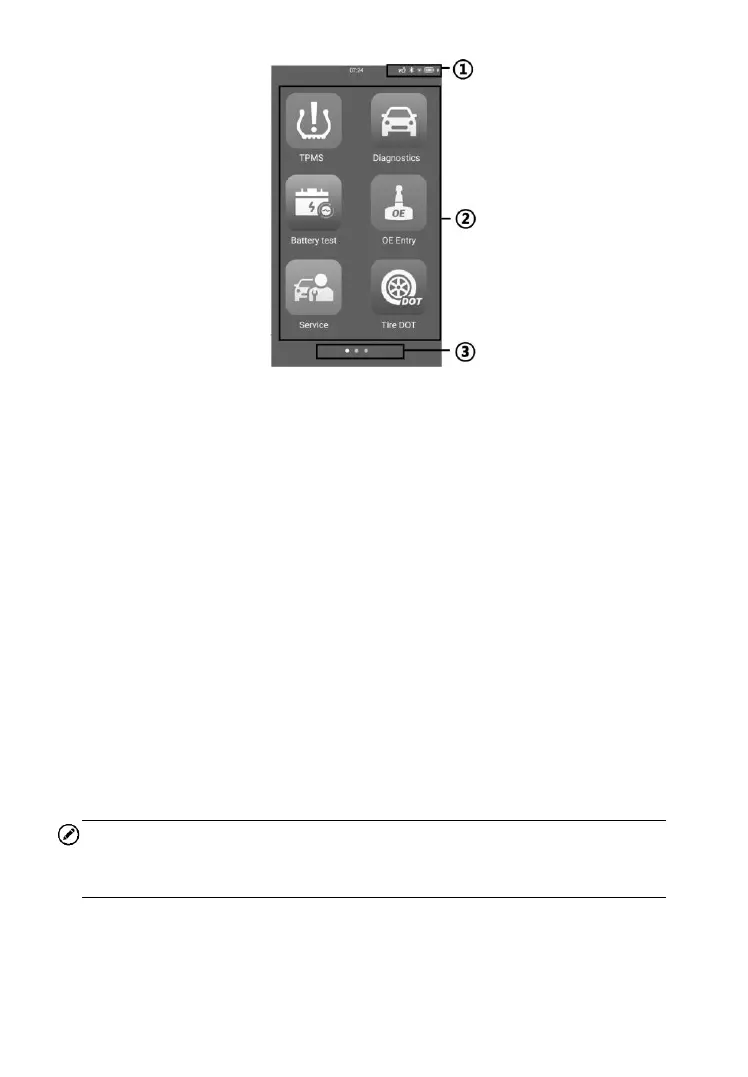
Figure 3‑2 Sample Job Menu of ITS600 Pro
① System Status Icons
② Application Buttons
③ Locator
Almost all operations on the tablet are controlled through the touchscreen.
The touchscreen navigation is menu driven allowing for quick access to test
procedure, or data that you need, through a series of questions and options.
Detailed descriptions of the menu structures are found in the chapters for
each application.
3.1.1 System Status Icons
Slide downward the screen to display Shortcuts Panel and have access
to a variety of features. The table below shows each icon and its
corresponding feature.
NOTE
The shortcuts buttons will be highlighted when enabled, and dimmed
when disabled.













 To Next Page