89
a series of on-screen prompts and selections the test vehicle is chosen.
Confirm vehicle profile before starting diagnostics.
8.3 Navigation
Navigating the Diagnostics interface and selecting tests is discussed in this
section.
8.3.1 Diagnostics Screen Layout
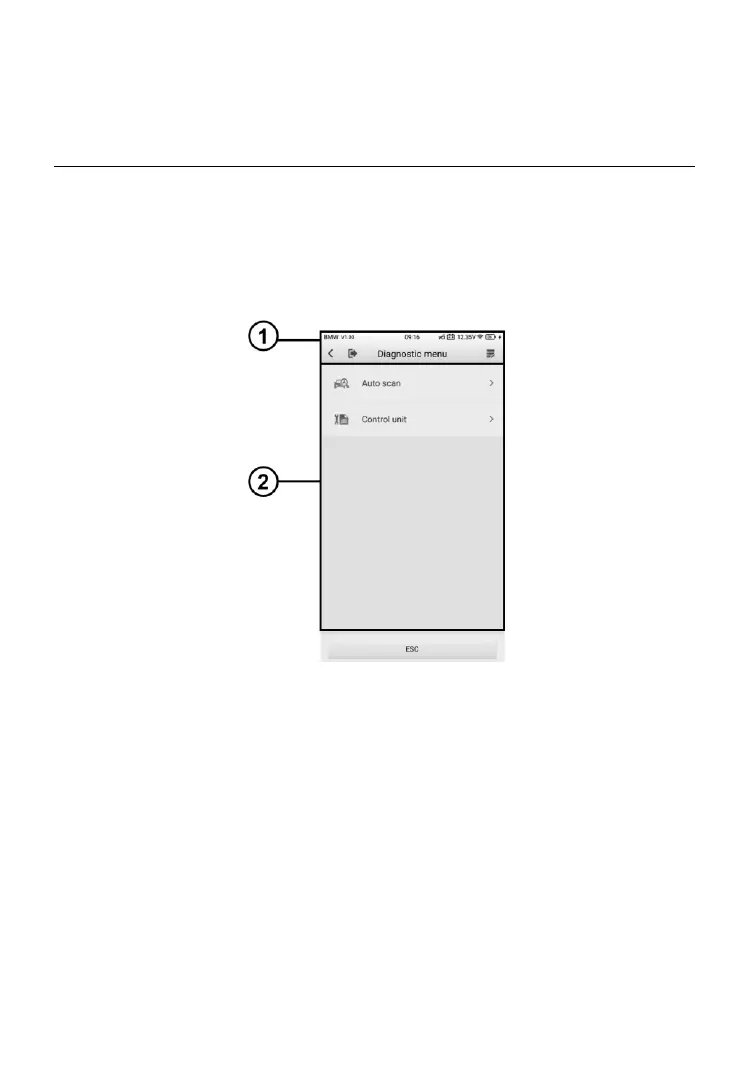
Figure 8-8 Sample Diagnostics Screen
The diagnostic screens typically include two sections.
① Diagnostics Toolbar
② Main Section
8.3.1.1 Diagnostics Toolbar
The Diagnostics Toolbar contains a number of buttons such as Home and
Data Logging. Refer to Table 4-2 Top Toolbar Buttons on Service Menu on
page 27 for details.













 To Next Page