55
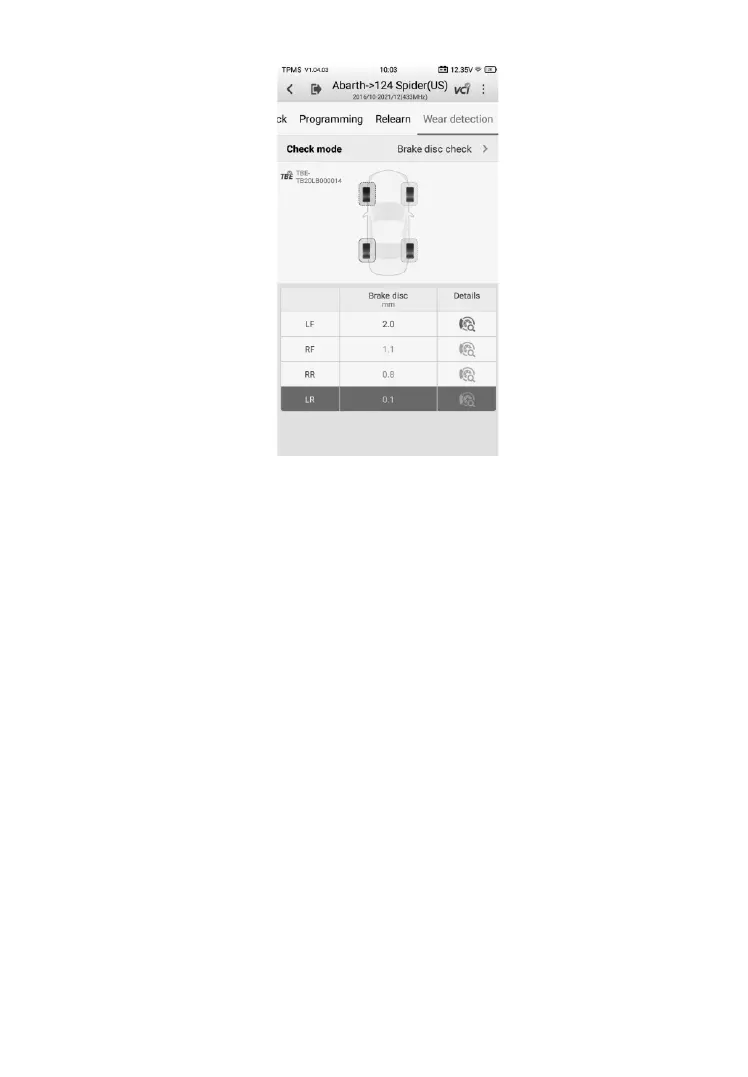
Figure 4-34 Sample Brake Disc Check Screen
4.8.3 Details
The Details screen shows a wide variety of tire and brake disc information.
After measurements are shown on the Wear detection screen, select a wheel
location, tap the corresponding tire or brake disc icon under the Details
column to enter the next screen. Different check mode varies in terms of
displaying sections. Below are the main sections featured on the Details
screen:
1) Graphic measurements – shows the measurements data graphically
with various colors indicating different tire and/or brake disc wear
conditions,
⚫ All tread check & Single check – presents only the tire tread wear
conditions graphically while the All tread check mode displays
measurements of the inner, center, and outer areas of the tire, while
for the single check mode.
⚫ Quick check – displays both the tire tread & brake disc wear conditions
graphically.













 To Next Page