121
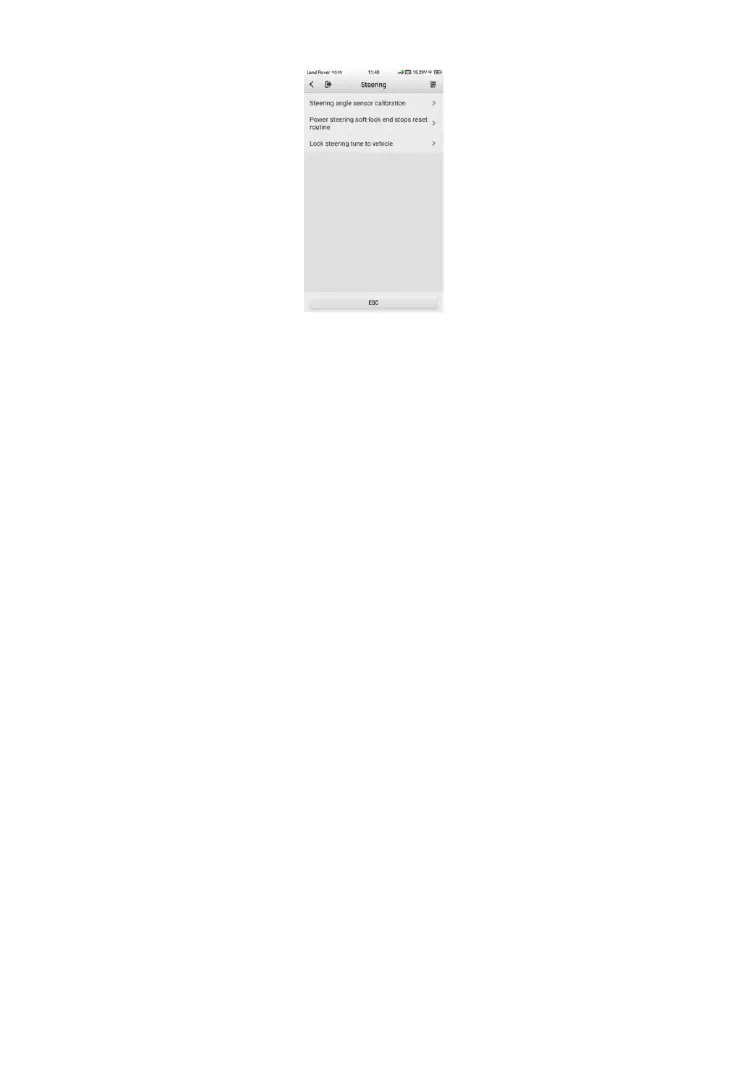
Figure 9-18 Sample SAS Function Menu
9.4.1 Steering Angle Sensor Calibration
This function allows users to perform steering angle sensor calibration, clear
records and clear counter. The function options vary by vehicle.
➢ To perform the SAS calibration
1. Tap Steering Angle Sensor Calibration from the SAS function
menu to enter the function screen.
2. Follow the on-screen instructions to set the ignition on/off as guided.
The vehicle battery voltage signal should be in the range 12.5 – 13.5
volts to proceed with this service, otherwise the scan tablet will
display a warning message.
3. Ensure the steering wheel is in the central position and the front
wheels are in the straight position. Then tap OK to proceed.













 To Next Page