131
11.7 Report Upload to Cloud
Toggle the ON/OFF button to enable or disable the Report Upload to Cloud
function. If the button displays blue, it indicates the function is enabled. If the
button displays gray, it indicates the function is disabled.
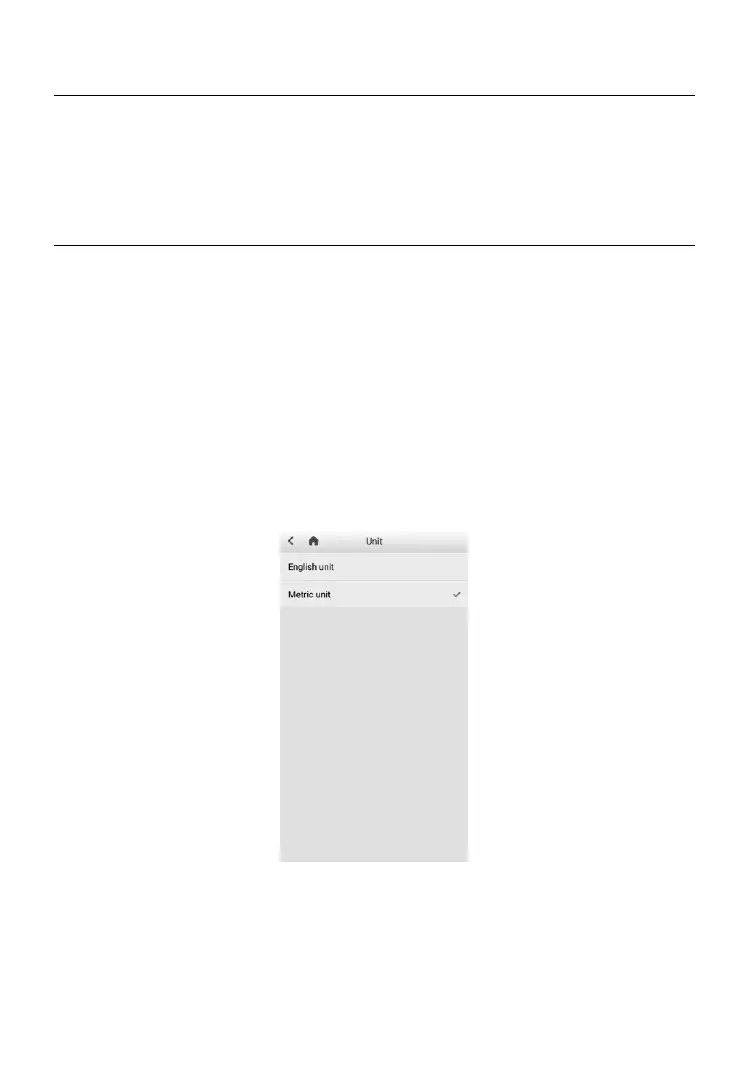
11.8 Unit
This option allows you to adjust the measurement unit for the diagnostic
system.
➢ To adjust the unit setting
1. Tap the Settings application on the MaxiTPMS Job Menu.
2. Tap the Unit.
3. Select the desired measurement unit, Metric Unit or Imperial Unit. A
tick will display to the right of the selected unit.
4. Tap the Home button on the top left corner to return to the
MaxiTPMS Job Menu.
Figure 11-2 Sample Unit Setting Screen













 To Next Page