EasyManua.ls Logo

Autel MAXITPMS ITS600PRO - Data Manager

Autel MAXITPMS ITS600PRO
173 pages
Print Icon
To Next Page IconTo Next Page
To Previous Page IconTo Previous Page
Loading...
137
14 Data Manager
The Data Manager application allows you to store, pint, and review saved
files, manage workshop information and keep test vehicle history records.
Selecting the Data Manager application opens the menu page which contains
seven main functions:
Test records
Workshop information
Image
PDF
Report
Uninstall apps
Data logging
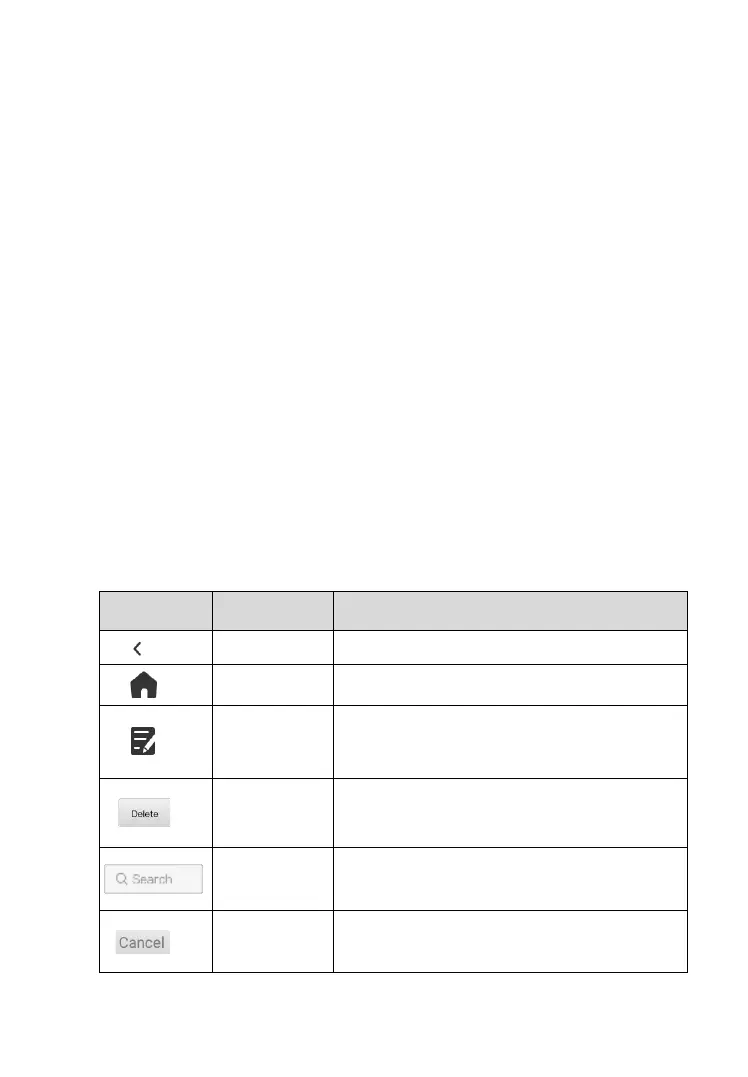
The following table briefly describes the toolbar buttons used to perform these
functions.
Table 14-1 Toolbar Buttons on the Data Manager Screen

Button
Name
Description
Back
Returns to the previous screen.
Home
Returns to the Main Jobs screen.
Edit
Tap this button to edit information for the
displayed file.
Delete
Tap this button to delete the selected
vehicle record.
Search
Enter the vehicle name or test path to
retrieve vehicle record.
Cancel
Tap this button to cancel editing or file
search.

Table of Contents

Related product manuals