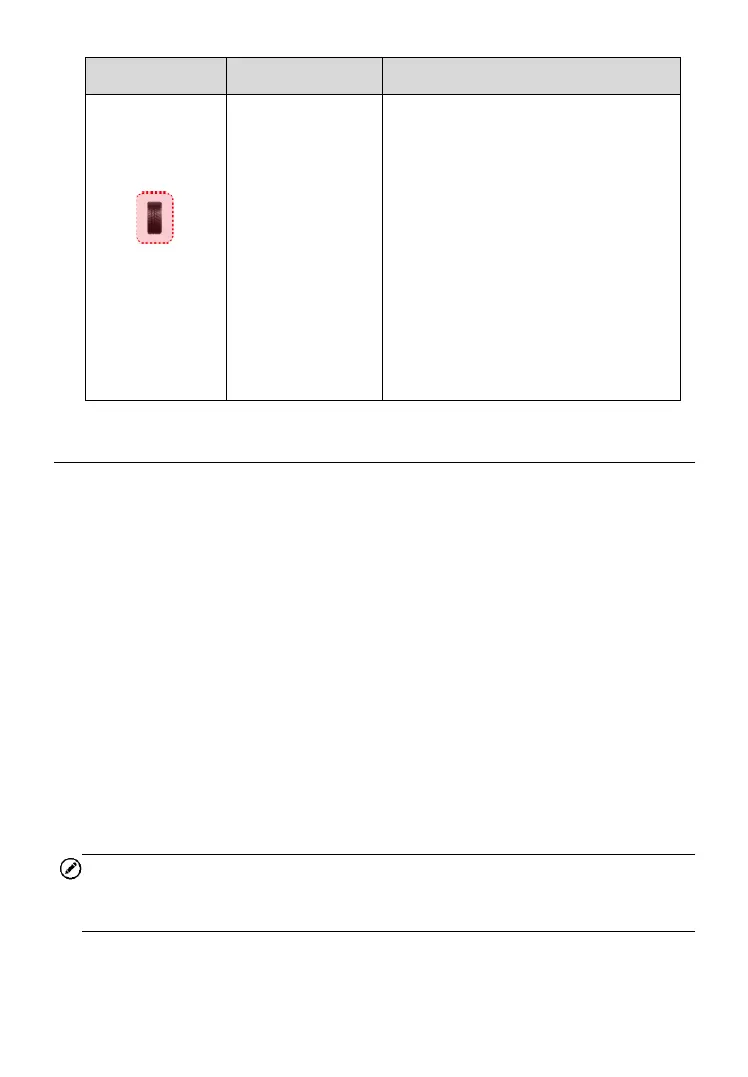
If the search period expires and no
sensor is activated or decoded, the
sensor may be mounted incorrectly
or does not function. The table
displays “Failed”.
If the tire pressure is not in the
normal range, the icon will turn red.
If a sensor with a duplicate ID has
been read, the screen displays a
message “Sensor ID duplicated”.
Repeat the test procedure.
4.4 TPMS Diagnosis
The Diagnostics function is used to check the status of the TPMS system.
This function requires connection with the test vehicle.
4.4.1 Establish Vehicle Communication
The Tablet connects to the test vehicle using the MaxiVCI V200.
4.4.1.1 Vehicle Connection
The tablet communicates with the vehicle via the Bluetooth connection
provided by the MaxiVCI V200.
To connect the MaxiVCI V200 to the test vehicle, insert the Vehicle Data
Connector on the MaxiVCI V200 into the vehicle’s DLC which is generally
located under the vehicle dash and the MaxiVCI V200 will be automatically
powered on.
NOTE
The vehicle's DLC is not always located under the dash; refer to the vehicle’s
user manual for DLC location.













 To Next Page