30
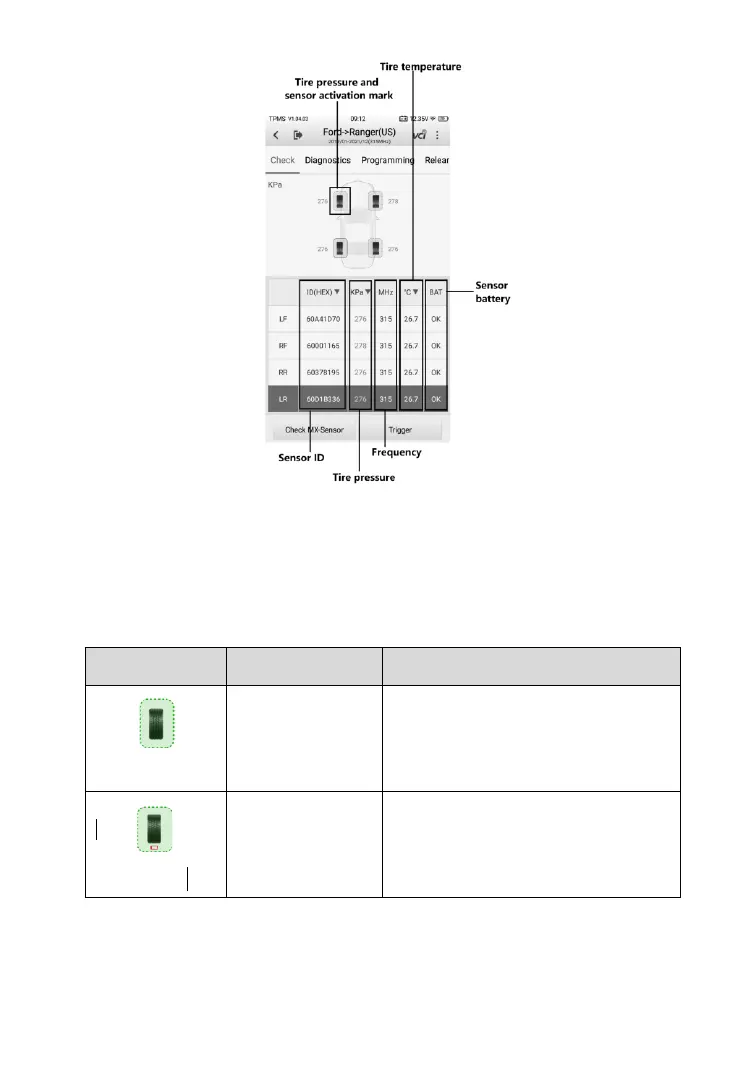
Figure 4-10 Sample Check Screen
The sensor position, sensor ID, tire pressure, tire temperature, sensor
frequency and sensor battery information of the triggered sensor will display
on the table.
Table 4-3 Possible Results for Triggering
TPMS sensor is successfully
activated and decoded. The table
displays the sensor information.
TPMS sensor is successfully
activated and decoded and the
battery level of the sensor is low.













 To Next Page