138
14.1 Test Records
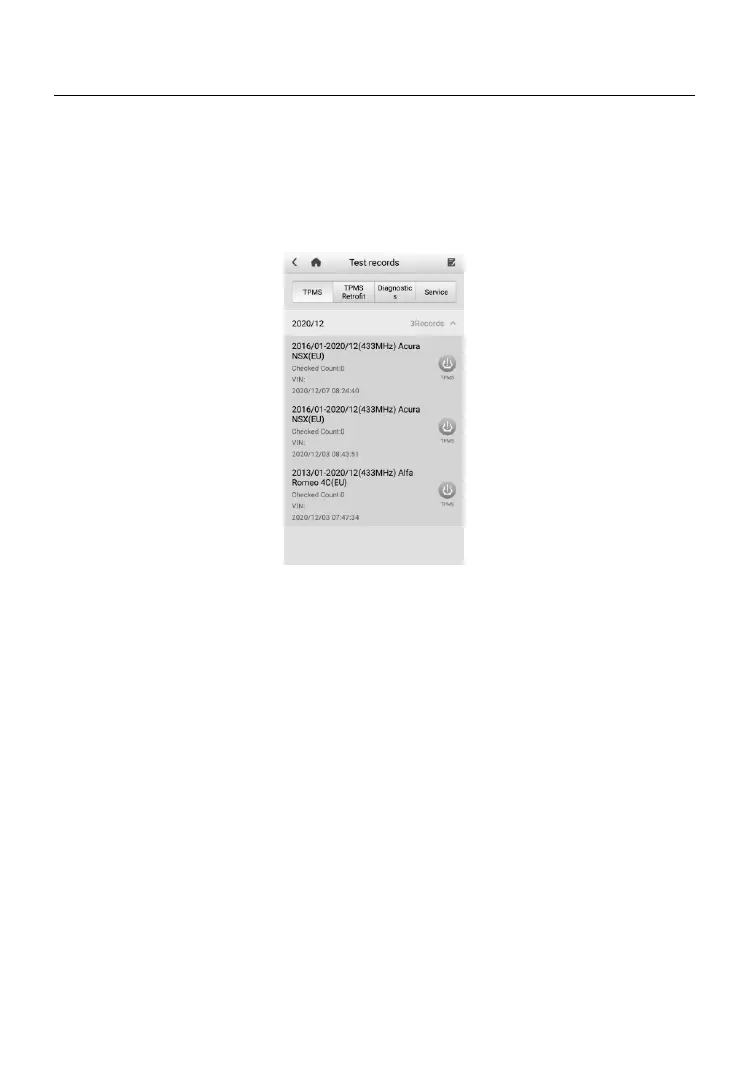
This function stores test vehicle history records, in terms of TPMS, TPMS
retrofit, Service, and Diagnostics-related information from previous
diagnostics and TPMS sessions. All information is displayed in summarized
details. Tap on a record to resume a diagnostic or TPMS session on a "stored
vehicle".
Figure 14-1 Sample Test Records Screen
➢ To activate a test session for the recorded vehicle
1. Tap the Data Manager application on the MaxiTPMS Job Menu.
2. Select Test records and choose a functional tab to display a list of
thumbnails.
3. Tap the function icon on the right side of a thumbnail of a vehicle
record item to view the related test record. For details, see Table
14-2 Function Buttons on the Test Records Screen on page 139.
4. Or, directly tap the vehicle record thumbnail to view TPMS test report.
5. A TPMS test report displays, tap on each item to input the
corresponding information or add relevant files or images.
6. The updated test report will be automatically saved.
7. Print the selected TPMS test report or send it via email.













 To Next Page