146
14.7 Data Logging
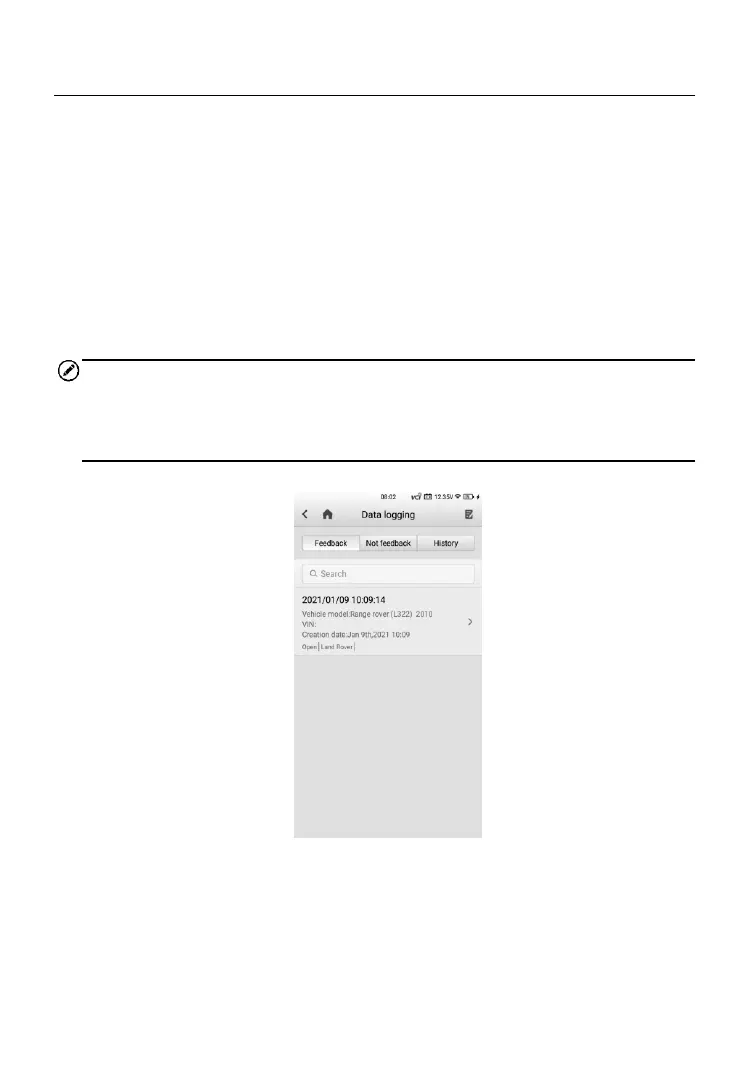
The Data Logging section keeps records of all Feedback (submitted), Not
Feedback (but saved) or History (up to the latest 20 test records) data
loggings on the diagnostic system. The support personnel will receive and
process the submitted reports through the Support platform. The solution will
be sent back as soon as possible. You may continue to correspond with
Support until the issue is resolved.
Data Logging can be performed during or after a testing or diagnostic session
is done, and specifically, data logging is available in terms of TPMS, TPMS
Retrofit, Diagnostics, and Service functions.
NOTE
If uploading data logs after a session is done, go to Data Manager > Data
logging > History, find the vehicle record of your preference and send data
logs for technical support.
Figure 14-5 Sample Data Logging Screen 1













 To Next Page