147
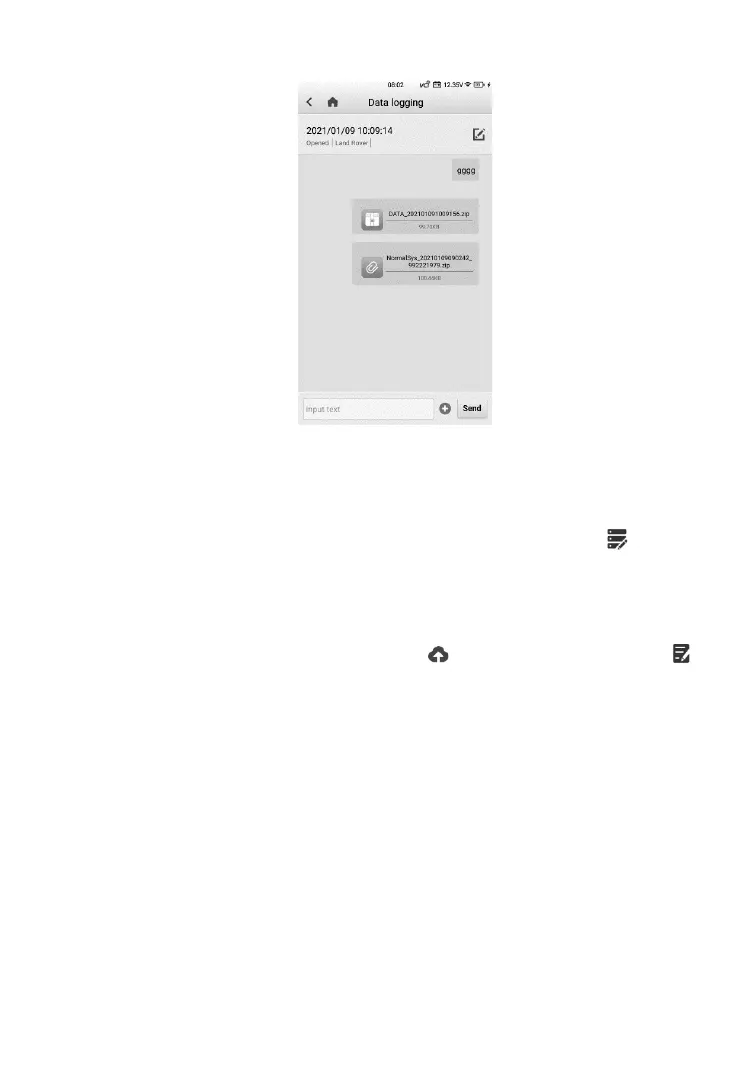
Figure 14-6 Sample Data Logging Screen 2
➢ To send message to the technical center
1. Take Data logging of the TPMS function as an example, on the main
TPMS screen, after the TPMS session is done, tap on the
upper right corner to make a selection of error types.
2. Tap OK to open the Details screen.
3. Describe problems in details in the Reason for Sending section.
4. Confirm vehicle information, tap to upload data logs, or tap
on the upper right corner to correct vehicle info before uploading.
➢ To reply in a Data Logging session
1. Tap on the Feedback tag to view a list of submitted data logs.
2. Select a specific item to track progress of data log review.
3. Tap the pencil icon on the upper right corner to correct vehicle
information, or directly input text into the blank bar and press Send
to send your message to the technical center.













 To Next Page