140
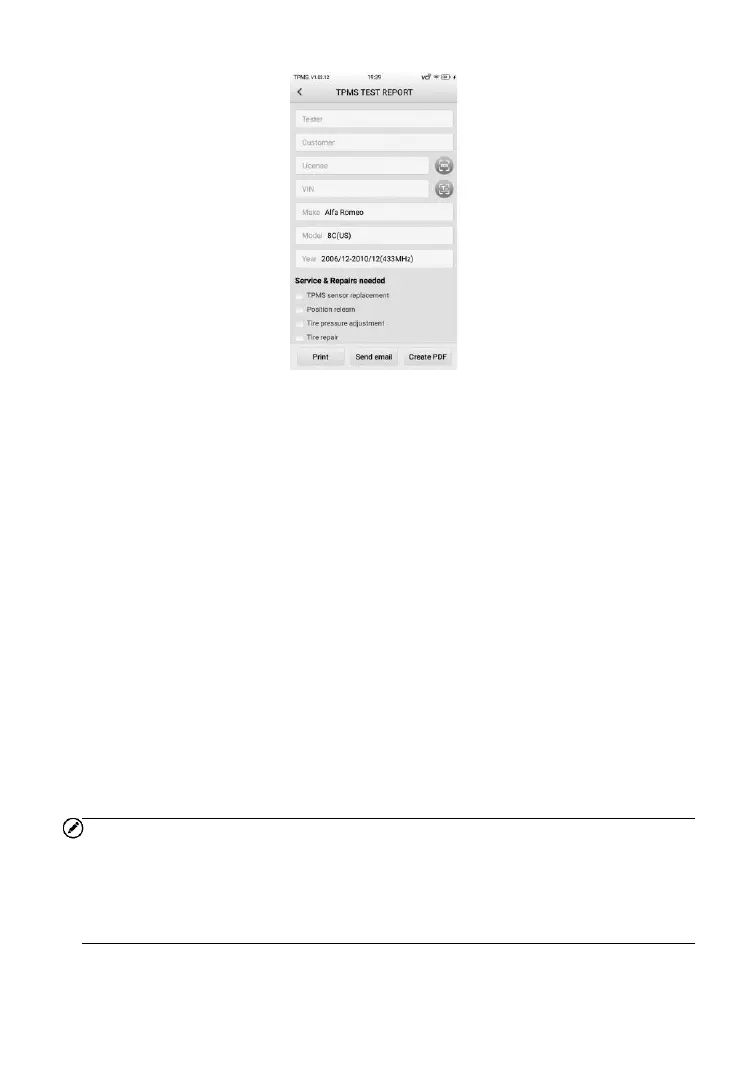
Figure 14-2 Sample TPMS TEST REPORT Screen
A report can be printed in two ways, print via PC Link or via Wi-Fi.
14.1.1.1 Printing via PC Link
You can use your computer to print the data on the tablet. Follow the
instructions below to operate.
➢ To install the PC Link driver program
1. Download the Maxi PC Suite from www.autel.com > Support >
Downloads > Diagnostic Tool > Autel Update Tools, and install
to your PC.
2. Double click the Setup.exe.
3. Select the installation language and the wizard will load momentarily.
4. Follow the instructions on the screen, and click Next to continue.
5. Click Install. The PC Link program will be installed into the computer.
6. Click Finish to complete the installation.
NOTE
1. The PC Link print program only supports Windows system, so please
install the PC Link program in a Windows-based computer.
2. Prior to installing the PC Link program, please confirm whether Adobe
software is installed in your computer. If not, install Adobe software first.













 To Next Page