142
diagnostic reports and other associated test file, will display as the header of
the printed documents.
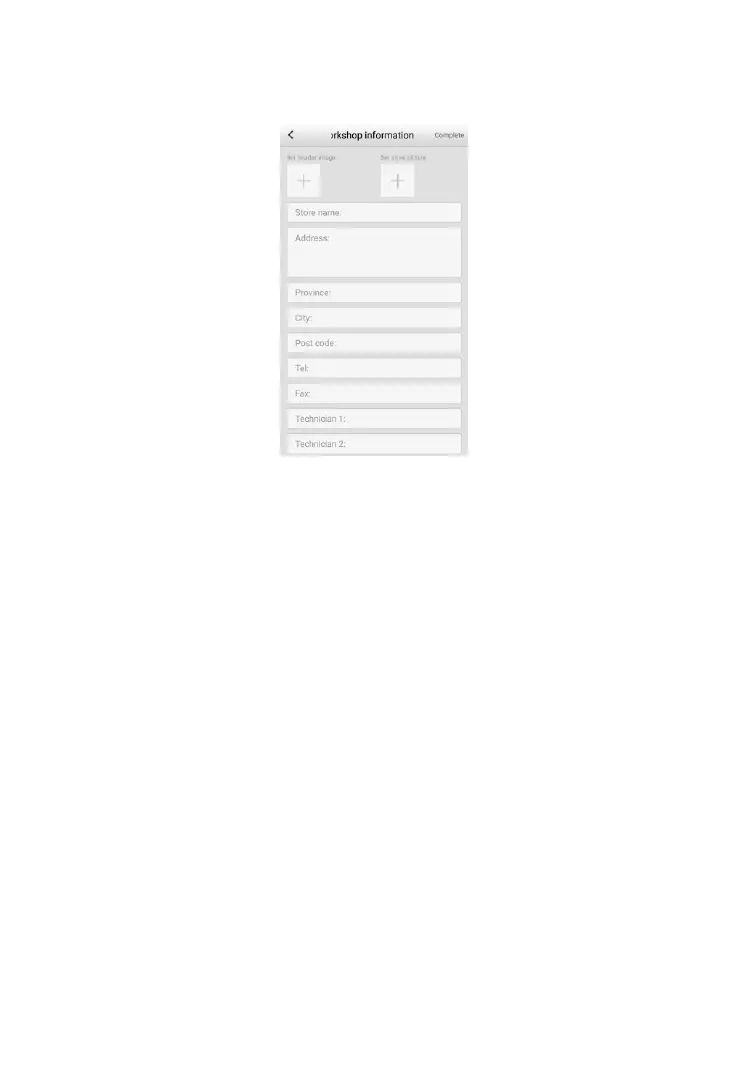
Figure 14-3 Sample Workshop Information Sheet
➢ To edit the Workshop Information sheet
1. Tap the Data Manager application on the MaxiTPMS Job Menu.
2. Select Workshop Information.
3. Tap each field to input the appropriate information.
4. Tap Return to save the updated workshop information sheet, or tap
Back on the upper left corner to exit without saving.













 To Next Page