9
④ Vehicle Data Connector (16-Pin) – connects the MaxiVCI V200 to the
vehicle’s 16-pin DLC directly.
⑤ USB Port – provides the easiest connection between the device and the
display tablet via a USB cable.
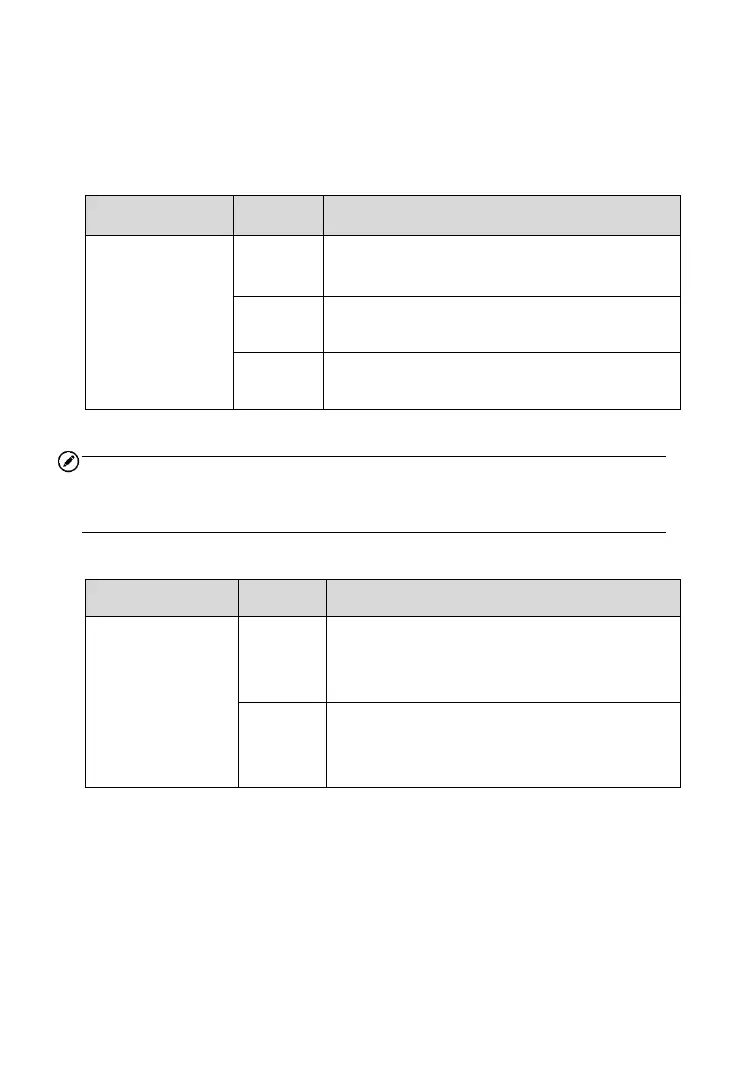
Table 2-2 Power LED on the Front Panel
Lights yellow at power up when VCI is self-
testing.
Lights solid green when powered on.
Blinks red when VCI is upgrading.
NOTE
The power LED briefly lights yellow each time the device powers on and
then lights green when the device is ready.
Table 2-3 Connection LED on the Front Panel
⚫ Blinks green when communicating.
⚫ Lights green when connected via
USB cable.
⚫ Blinks Blue when communicating.
⚫ Lights Blue connected via Bluetooth
cable.













 To Next Page