35
If the sensor ID retrieved from sensor activation is the same as the ID saved
in the ECU, the trigger mark ( ) and OBD mark ( ) will display green.
If the IDs are different, the marks will display red ( and ). In this case,
the vehicle ECU cannot recognize the sensor installed on the vehicle.
If the OBD function is not supported by the test vehicle, the sensor ID saved
in the TPMS ECU cannot be retrieved and only the sensor ID retrieved from
sensor activation will display on the screen with a signal icon.
4.4.2.1 Details
If Diagnostic Trouble Codes (DTCs) are presented in the TPMS ECU, a
yellow hazard icon will show up in the DTC column with the number of faults
displayed below, and the detail button is available (see Figure 4-12 Sample
Diagnostics Screen 1).
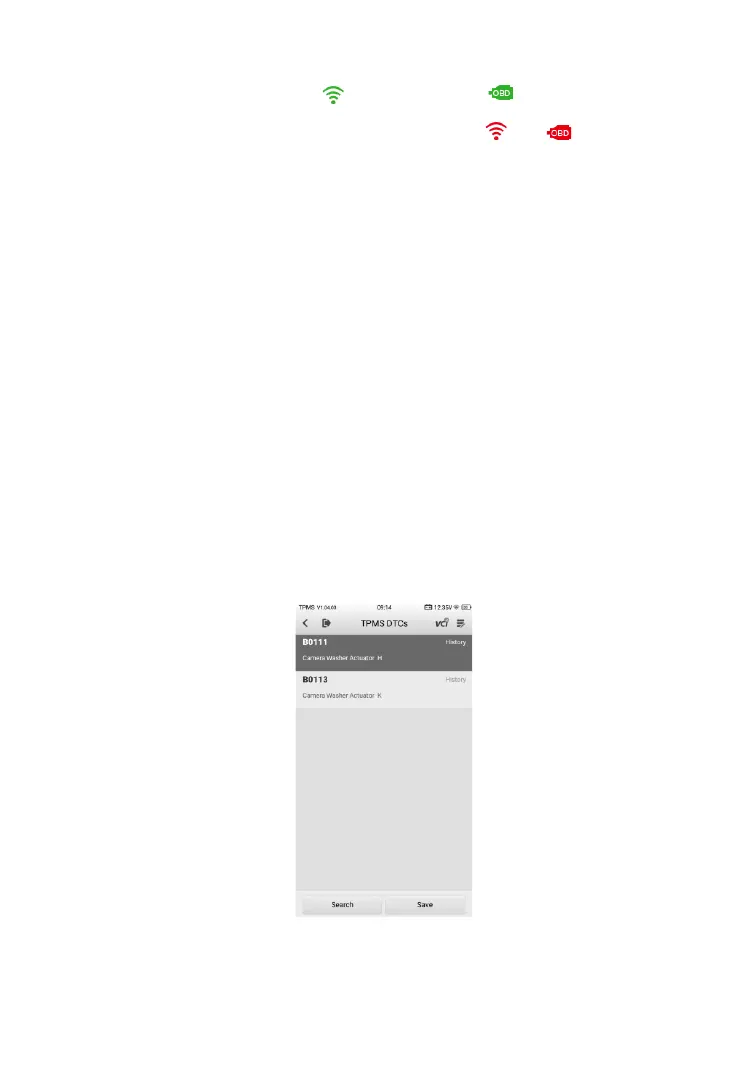
Tap details in the DTC column to view the detailed information of the DTCs.
In this screen, the detailed fault definition will display. Select one of the DTC
and tap Search, the tablet will automatically connect to the Internet and
additional information will display.
If no DTCs present in the TPMS ECU, a green “No DTC” message will display
on the DTC screen.













 To Next Page