38
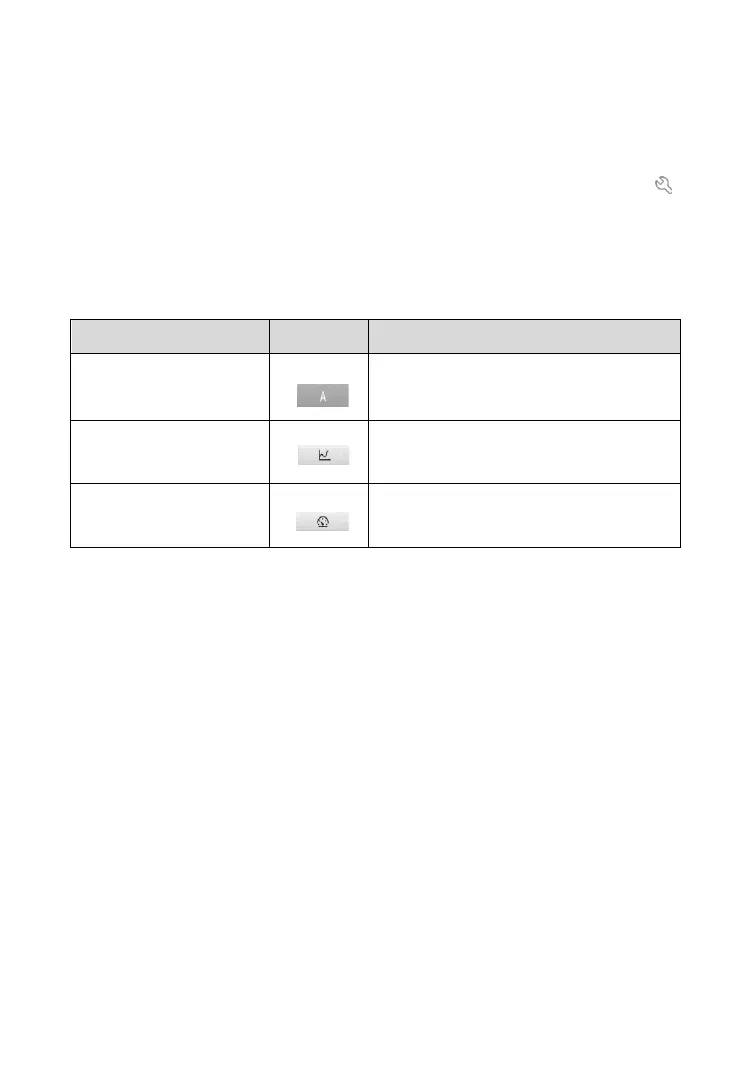
There are three types of display modes available for data viewing, enabling
you to view parameters in the mode that best suited to present data, and one
Unit section, for switching the unit according to your preference.
➢ To set the display mode
1. Select the live data item of which parameters you want to view. Tap
to open the data stream details page.
2. Select one of the three display modes from the Display mode section.
3. The corresponding display mode will show on the screen.
Table 4-4 Display Mode Table
4. On the details of data stream screen, custom range is adjustable if
under the waveform and analog gauge mode. Tap the Restore default
settings button at the bottom of the screen to reset settings, or tap the
Return icon on the top left corner of the screen to go back to the
previous screen, the adjusted parameters will automatically display.
⚫ Service Function
Tap the Service Function button to display a menu of available service
functions.













 To Next Page