42
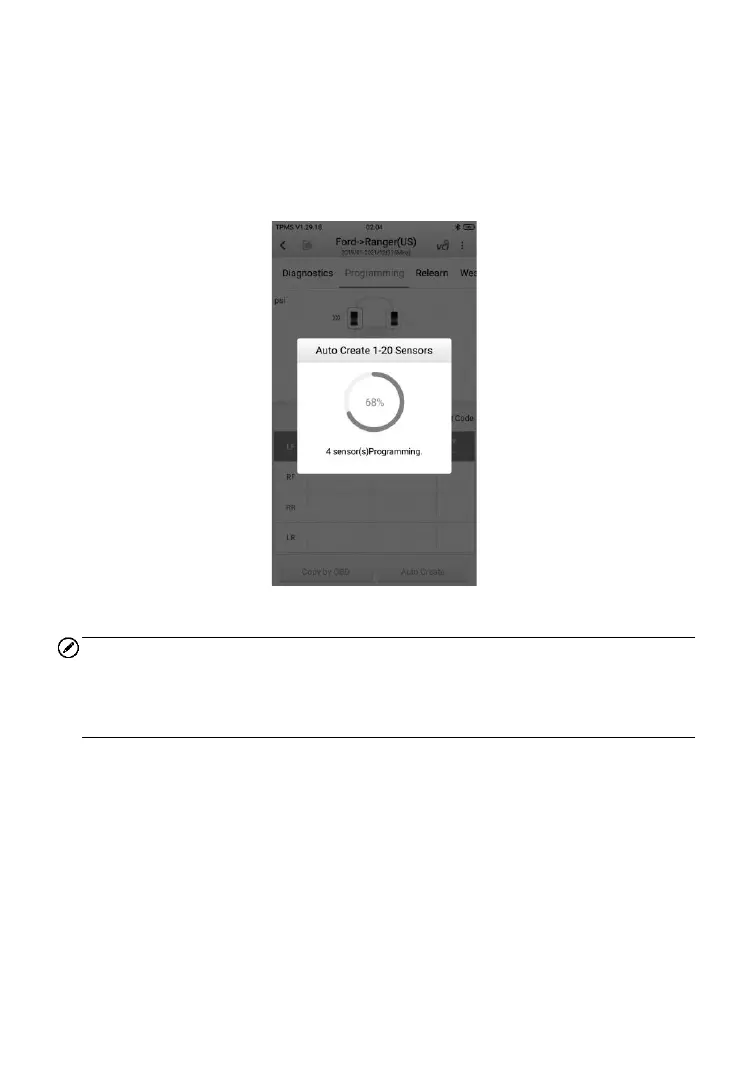
Select the vehicle model, select a wheel location on the display and place
MX-Sensors in front of the tablet. Tap Auto Create to program new MX-
Sensors.
New IDs will be created for the MX-Sensors. These new IDs differ from the
IDs stored in the TPMS ECU, therefore, the sensors will have to be relearned
to the TPMS ECU.
Figure 4-20 Sample Auto Create Screen
NOTE
Maximum of 20 MX-Sensors can be programmed at once and without
unboxing, it is suggested to place the tablet in front of the longer side of the
packaging box for best programming result.
➢ To program 20 MX-Sensors without unboxing
1. Tap Auto Create.
2. The tablet will create and display the new IDs.
3. Place the new MX-Sensors in front of ITS600/ITS600 Pro.
4. Tap OK to program the sensors with the new IDs.













 To Next Page