51
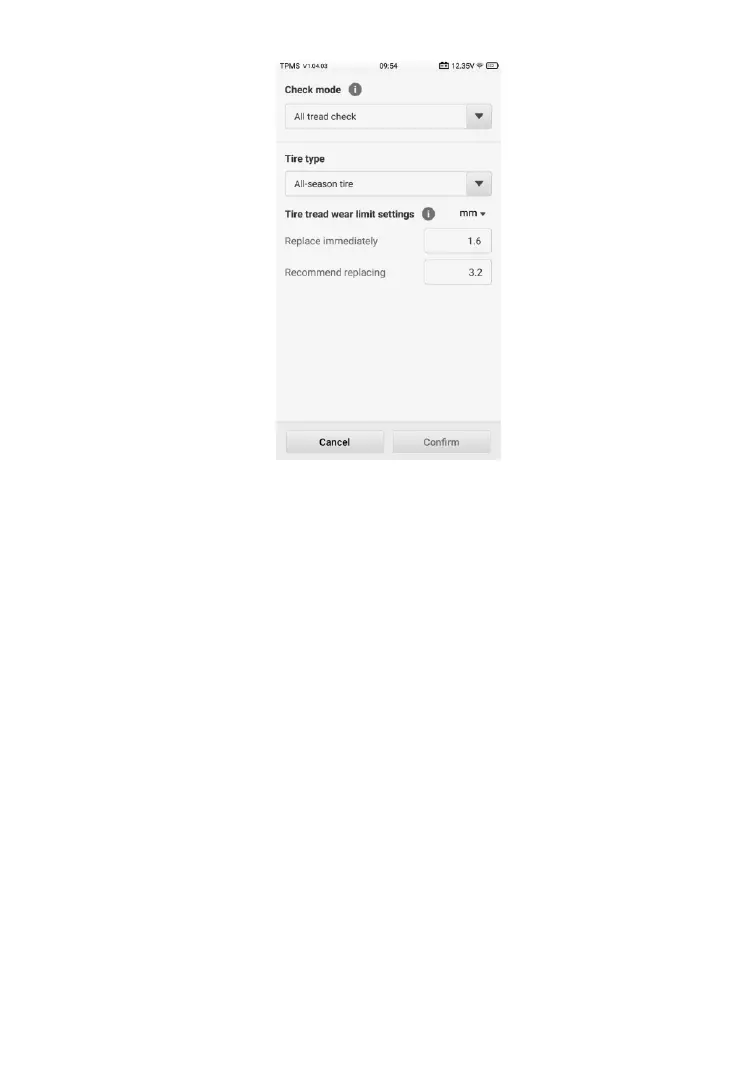
Figure 4-30 Sample Check Settings Screen
4.8.1.1 Check Settings
Check settings contains a series of settings that allow you to perform check
operations as you desired, such as the check mode, tire type, limit settings,
and data unit.
4.8.1.2 Main Section
The Main section in the center of the screen displays the TBE icon as well as
the vehicle model tested graphically.
4.8.1.3 Note Section
The Note section provides instructions on how to perform the wear detection
function by using a compatible TBE device or a third party tool.













 To Next Page