68
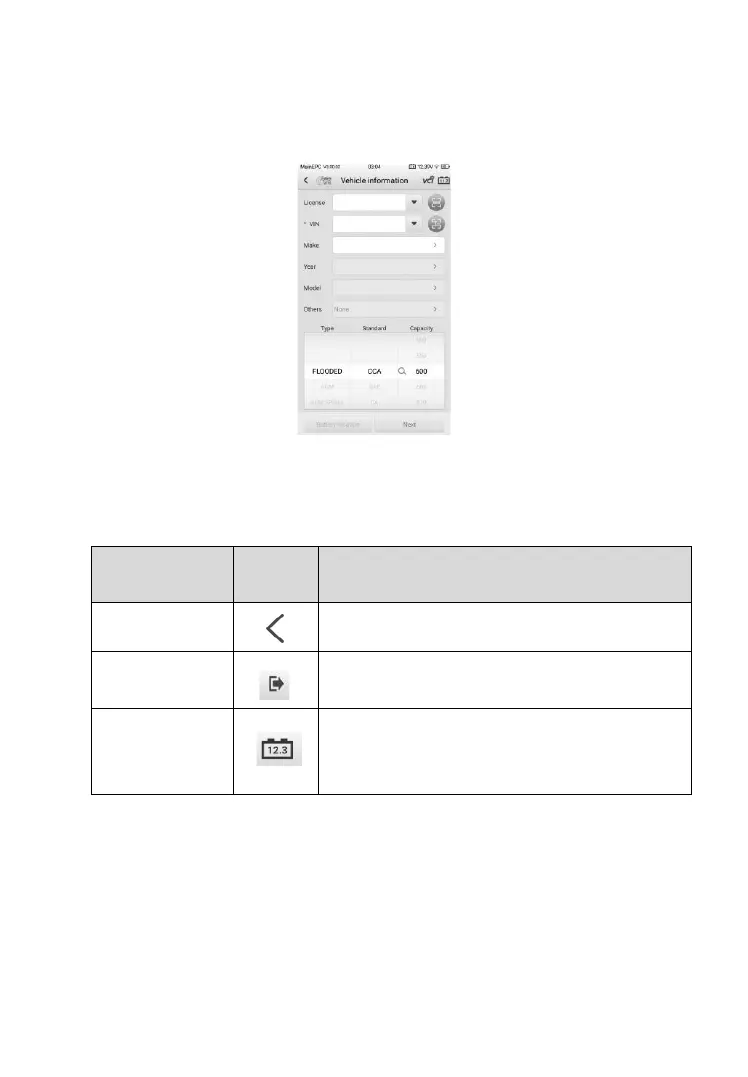
4. Confirm the vehicle information. The vehicle information will be
automatically populated when vehicle communication is
established. A Battery Information tab will pop up from the bottom
of the screen.
Figure 6-6 Sample Vehicle Information Screen
Table 6-2 Upper Toolbar Buttons
5. Tap Next and access the Battery screen. Perform required
operations before the battery test based on the on-screen
instructions. And tap the Start testing button.
6. Wait for the battery test to complete and view the test results and
suggestions.
Displays the battery connection status. The
number on the icon indicates the real-time
voltage of the tested battery.













 To Next Page