6. Web Interface
When 2 screens are co nnected, an extra item Show Display Identifiers appears in the D isplay pane. Wh en
checked, a sequence numb er is displayed on each display.
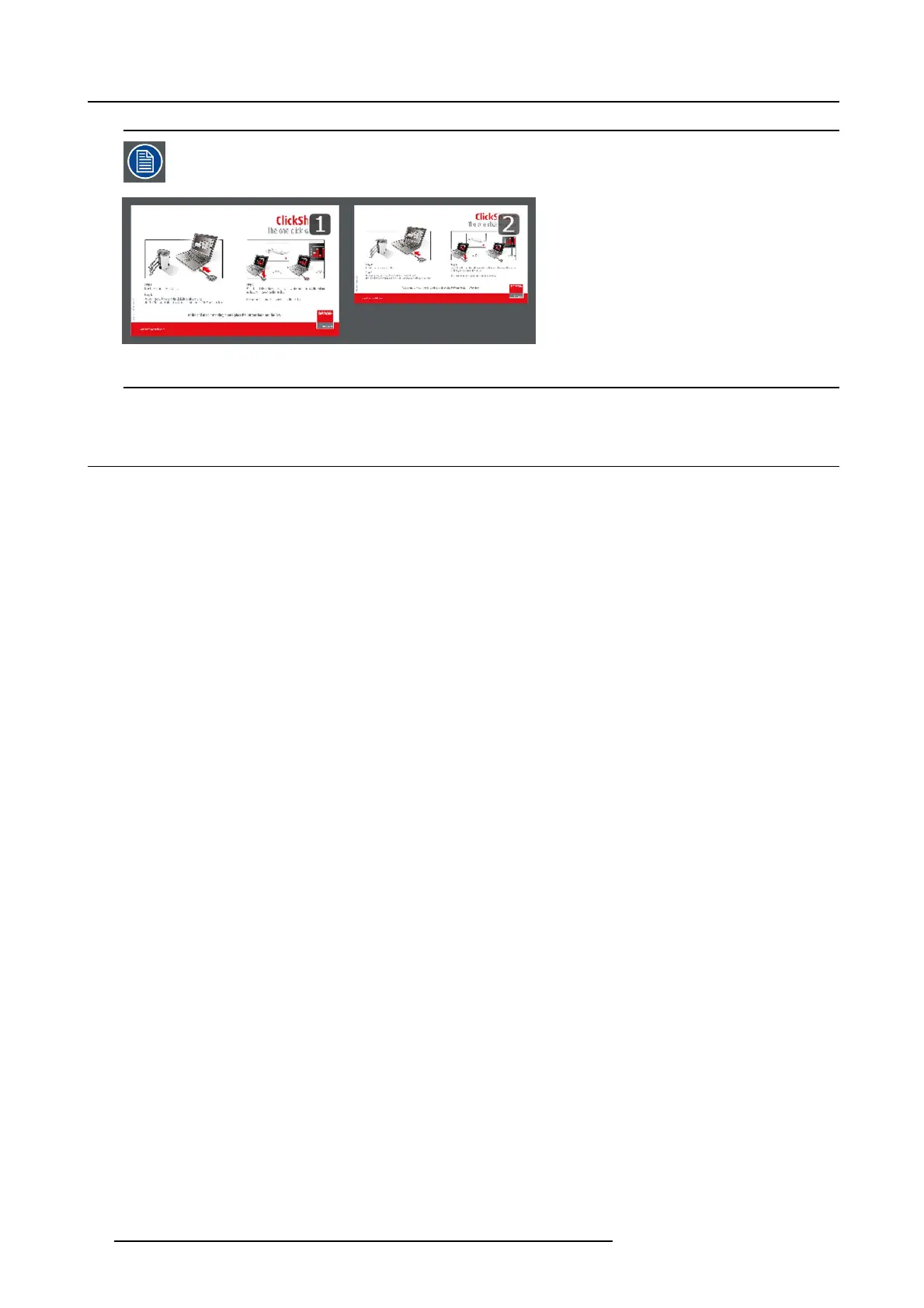
Image 6-8
Display identifiers
6.6 Personalized wallpapers
About a personalized wal lpaper
Via the web interface it is poss ible to upload personalized backgrounds or wallpapers. The f ree space to upload w allpapers is
indicatedintheAvailable storage pane.
The upload file should be a JPEG, PNG, BMP or TIFF format with a maximum size of 2.5MB.
Maximum one custom wallpaper can be uploaded. To upload another, the first one needs to be removed first .
How to upload
1. Log in t o the ClickShare web interface.
2. Click the Setup tab (1) and then the Wallpaper tab (2).
48
R5900004 CLICKSHARE 23/12/2014















 To Next Page