42-101-01175_01178 Revision D Page | 14
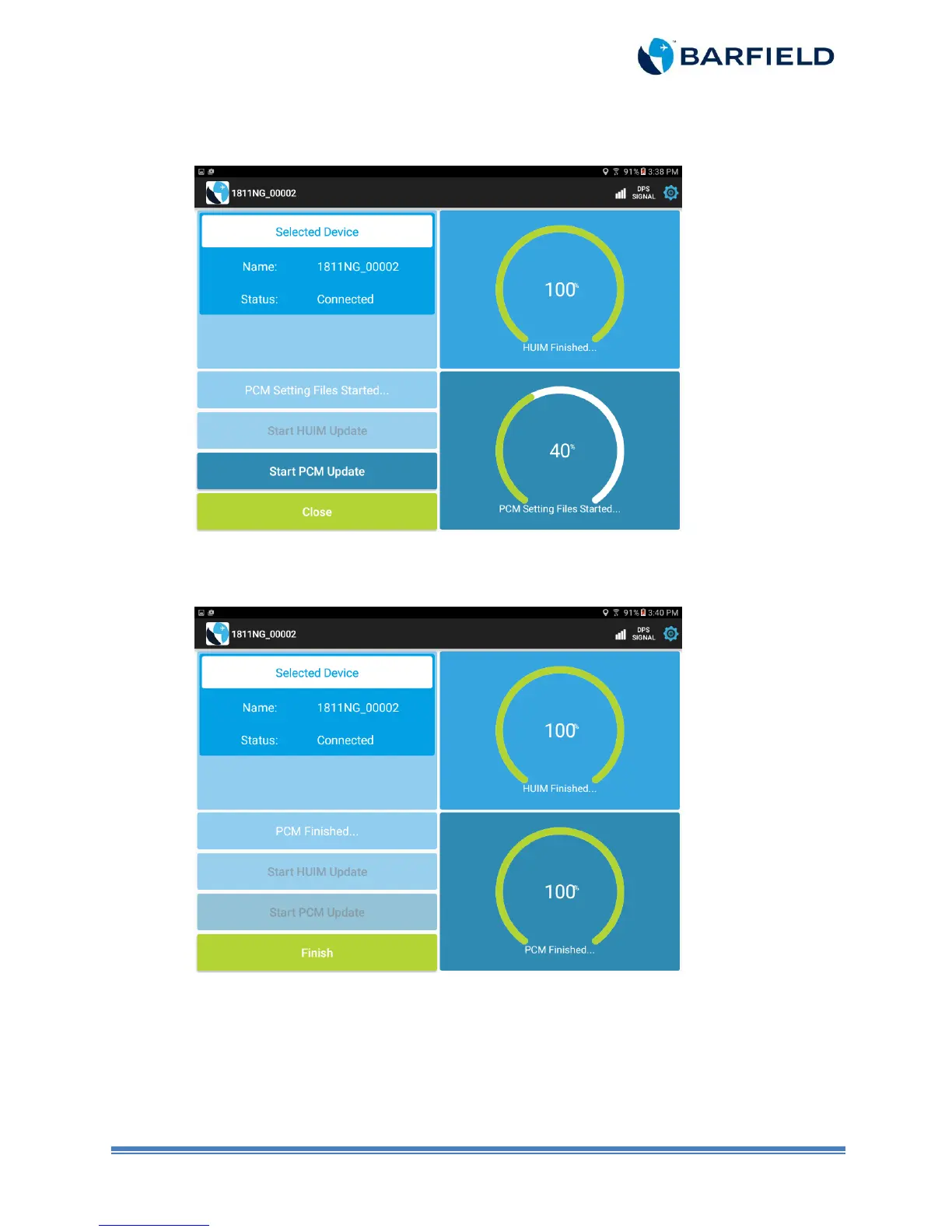
f) Touch “Start PCM Update” panel. Update takes about 2 minutes. Wait until progress
indicator reaches 100% (Figure 2.6).
Figure 2.6 PCM Update Progress Screen
g) Touch “Finish” (Figure 2.7).
Figure 2.7 HUIM and PCM Completed Update Screen



 To Next Page