56-101-01175 Revision H Page | 89
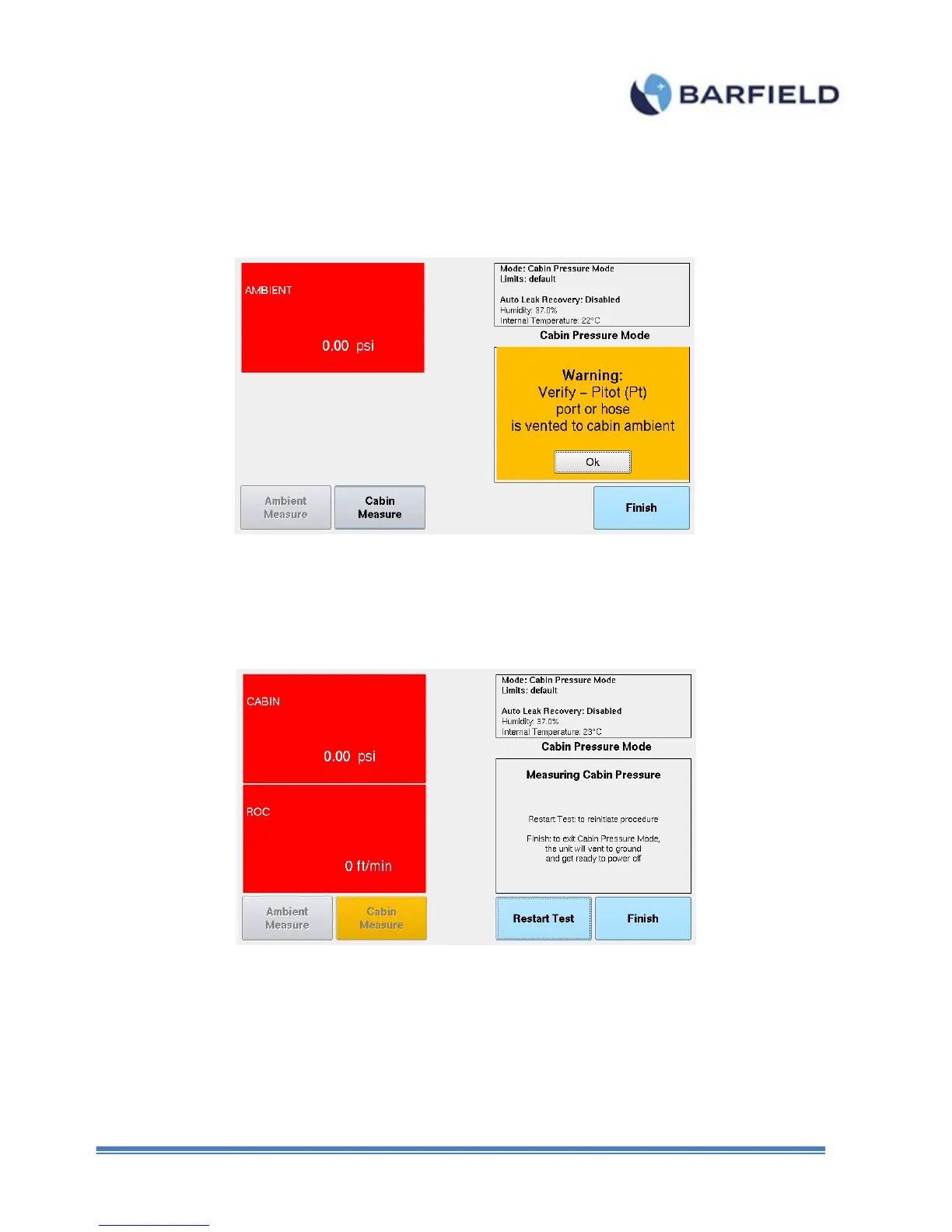
8. Upon pressing the Cabin Measure button the unit will vent to ambient. Touch “Ok” to
continue.
Figure E. 12 Cabin Pressure Mode – Warning Screen
9. Figure E.13 shows the screen for the cabin pressure mode on which the unit is
monitoring the change in the cabin pressure and displays this value in unit of psi and
ROC in ft/min.
Figure E. 13 Cabin Pressure Mode – Measuring Cabin Pressure and Rate
10. The user should follow the AMM for the pressurization procedure and the unit will
display the measured pressures and rates.
Note: As a safety feature the following conditions will be monitor and a visual warning will
be issue by the unit:
o If a rate greater than +/- 850ft/min is applied, the screen will flash.



 To Next Page