56-101-01175 Revision H Page | 90
o If a pressure greater than 8.4psi is applied, the screen will flash
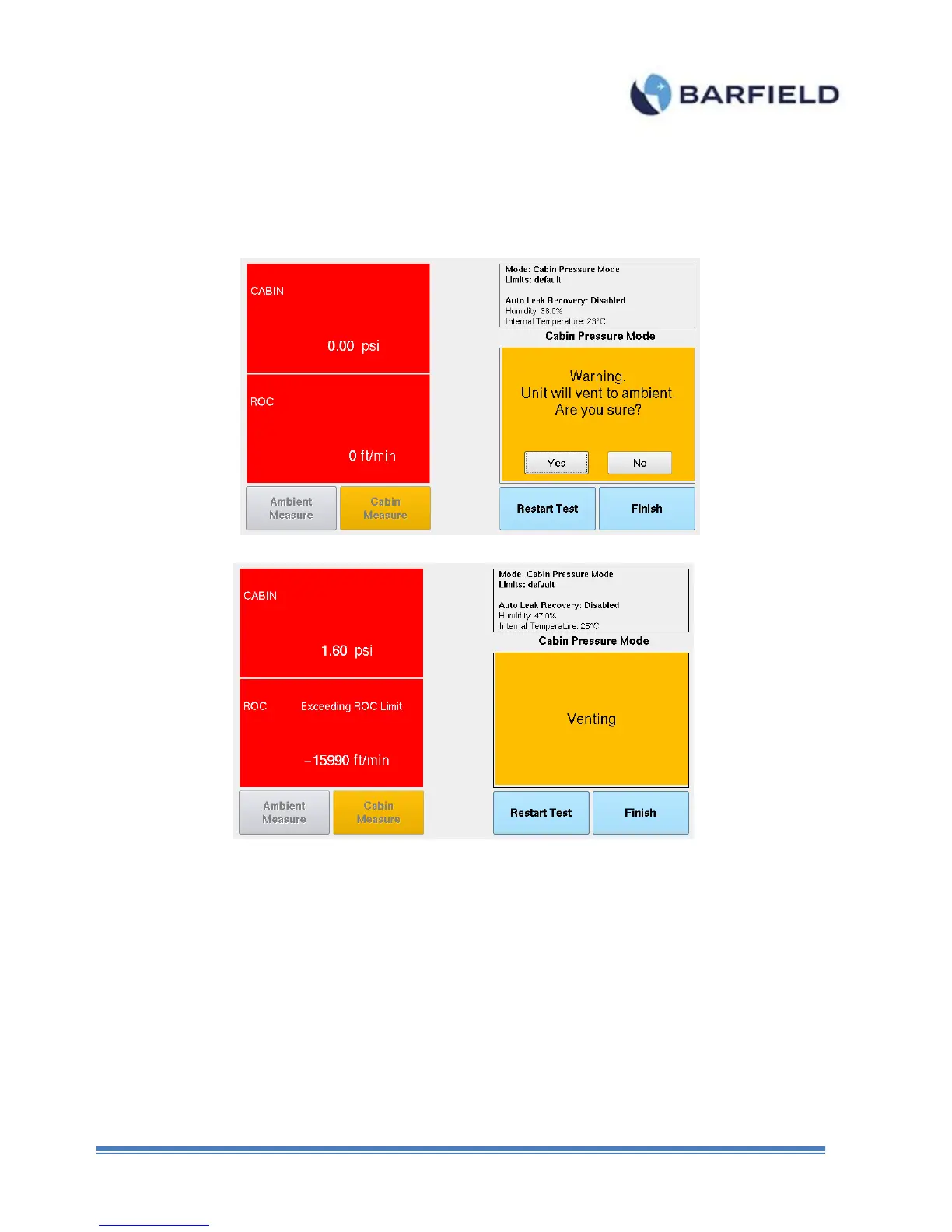
11. Once the test is completed, touch the Finish button to exit the Cabin Pressure Mode. A
warning screen is displayed with the message below (Figure E. 14). Touch “Yes” and
the unit will vent to ambient.
Figure E. 14 Cabin Pressure Mode – Step 2
Figure E. 15 Cabin Pressure Mode – Venting Procees
12. Once the venting process is completed, the unit is safe to power off (Figure E.16).



 To Next Page