56-101-01175 Revision H Page | 96
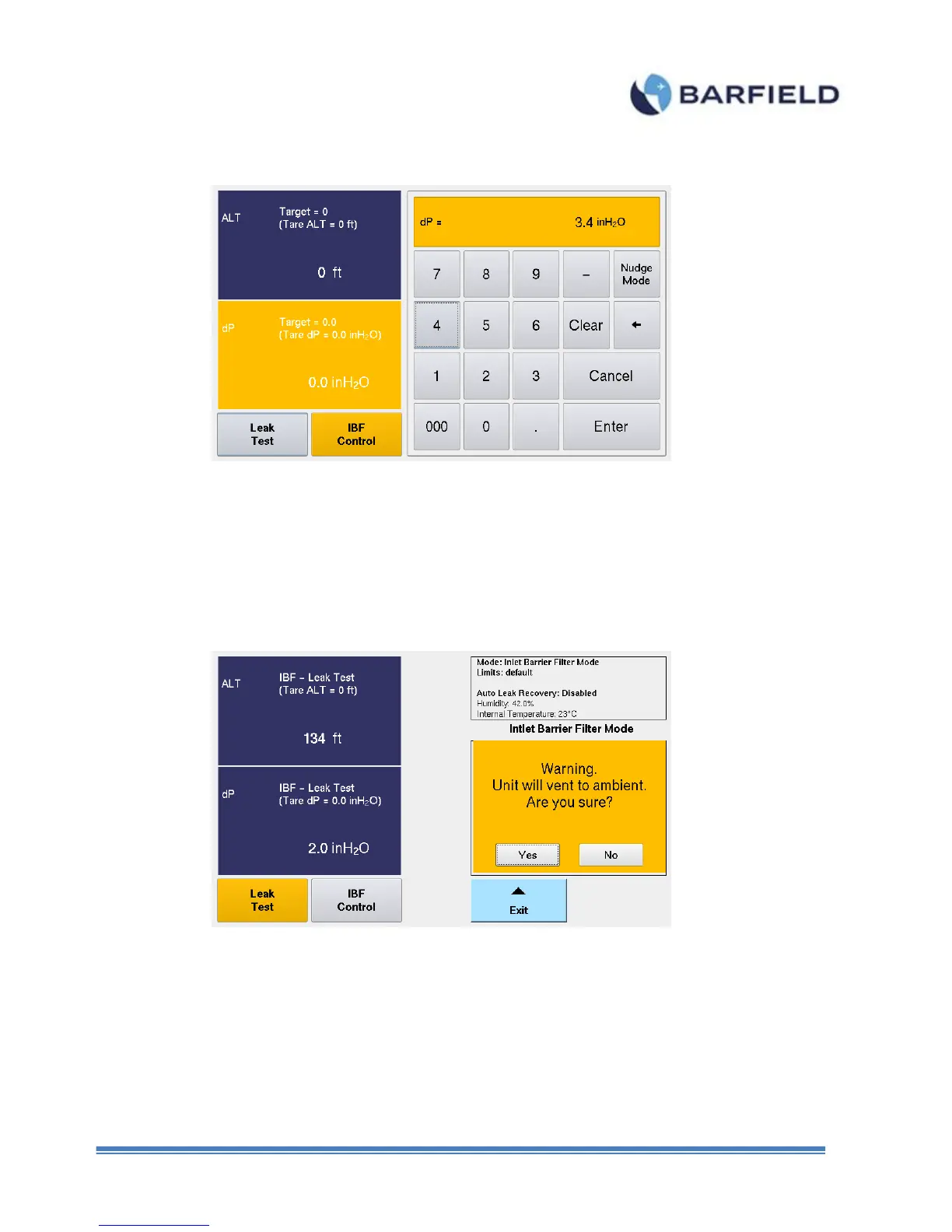
Figure F. 8 Keypad Screen
13. Wait and allow target suction value to be achieved.
14. Select “Leak Test”. Monitor dP or ALT values displayed for possible leaks.
15. Once testing is completed, touch “Exit”. A warning screen appears with the prompt
below (Figure F. 9).
Figure F. 9 Vent to Ambient Screen



 To Next Page