MX08 Multichannel Weighing System, Technical Manual, Rev. 2.5 Page 33 of 144
Set/Reset digital outputs
Command : [ADR][W][Outputs]
Response : [ADR][W][A]
Example :
Command : 12W4296
Response : 12WA (Outputs 15,10,8,5,3,2 are activated)
12WN (Outputs could not be activated)
Comments :
Data length change according to number of digital outputs.
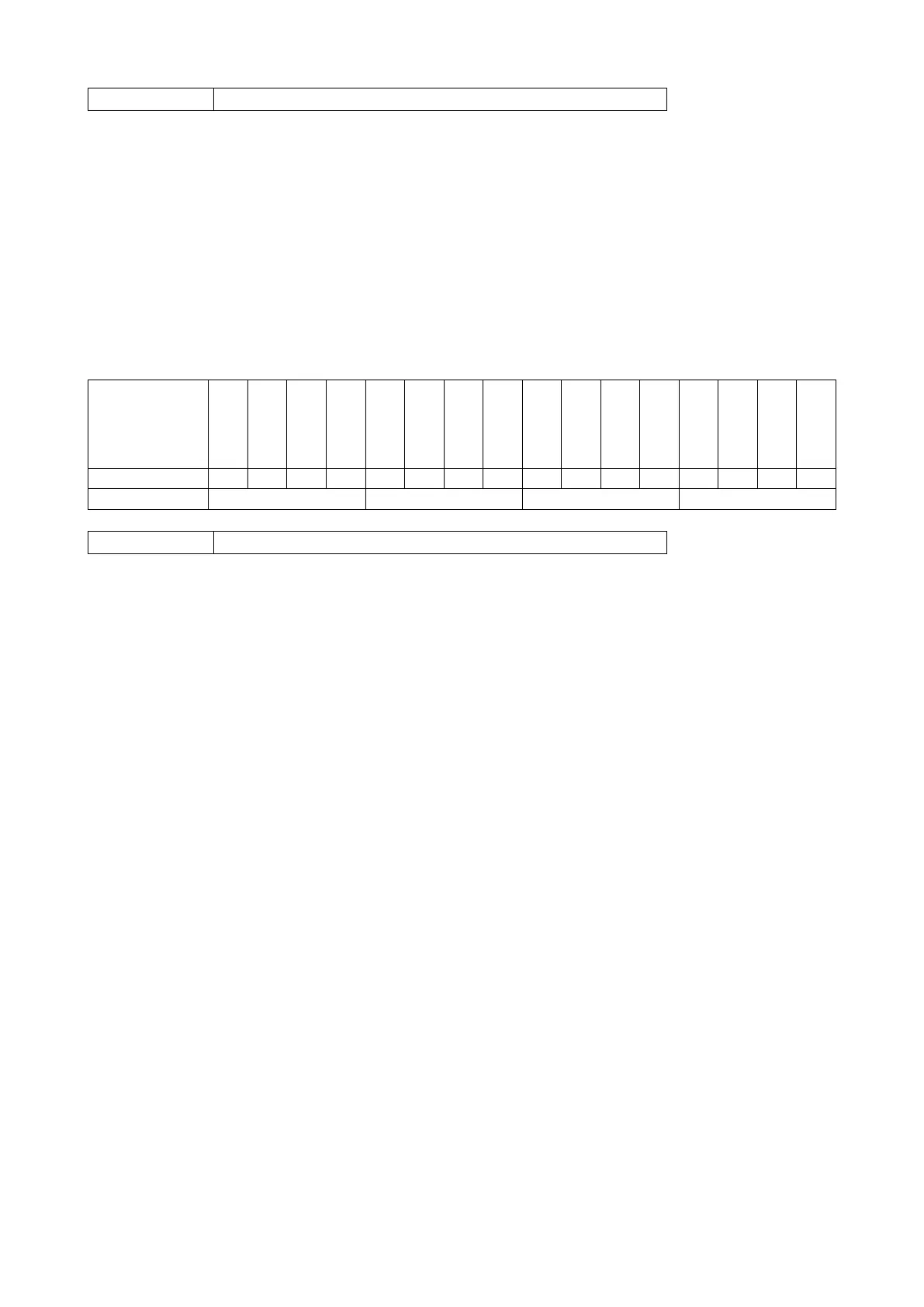
Outputs are implemented to ASCII char of 4-bit. ‘1111’ outputs are implemented to char
‘F’.
Command : [ADR][Z]
Response : [ADR][Z][A] (Zeroed)
[ADR][Z][N] (Zeroing could not be operated)
[ADR][Z][X] (Zeroing is disabled)
Comments :
Zero command can not work in net weighing.
Weight or Count must be in zeroing range for all operating modes.
Status must be stable in 2 seconds time out delay. If so, Ack is send.
If it can not be stable in time out delay, Nack is send.
CHK is transmitted as two ASCII characters calculated with the Checksum formulation.
Checksum = 0 – (SUM of all response data before CHK)
Example: Read stable current weight data.
BSI Examples: (CHK is enabled and instrument address is 01)
Command: 12P[CHK][CR][LF]
Checksum = 0 − (0x31 + 0x32 + 0x50) = 0 − 0xB3 = 0x4D
CHK = Char ‘4’ and ‘D’
Response: 12PS+000123.4[CHK][CR][LF]
Checksum = 0 − (0x31 + 0x32 + 0x50 + 0x53 + 0x2B + 0x30 + 0x30 + 0x30 + 0x31+ 0x32
+ 0x33 + 0x2E + 0x34) = 0 − 0xB9 = 0x47.
CHK = Char ‘4’ and Char ‘7’
-16
-15
-14
-13
-12
-11
-10
-9
-8
-7
-6
-5
-4
-3
-2
-1


 To Next Page