BD BACTEC™ FX Instrument User’s Manual
150
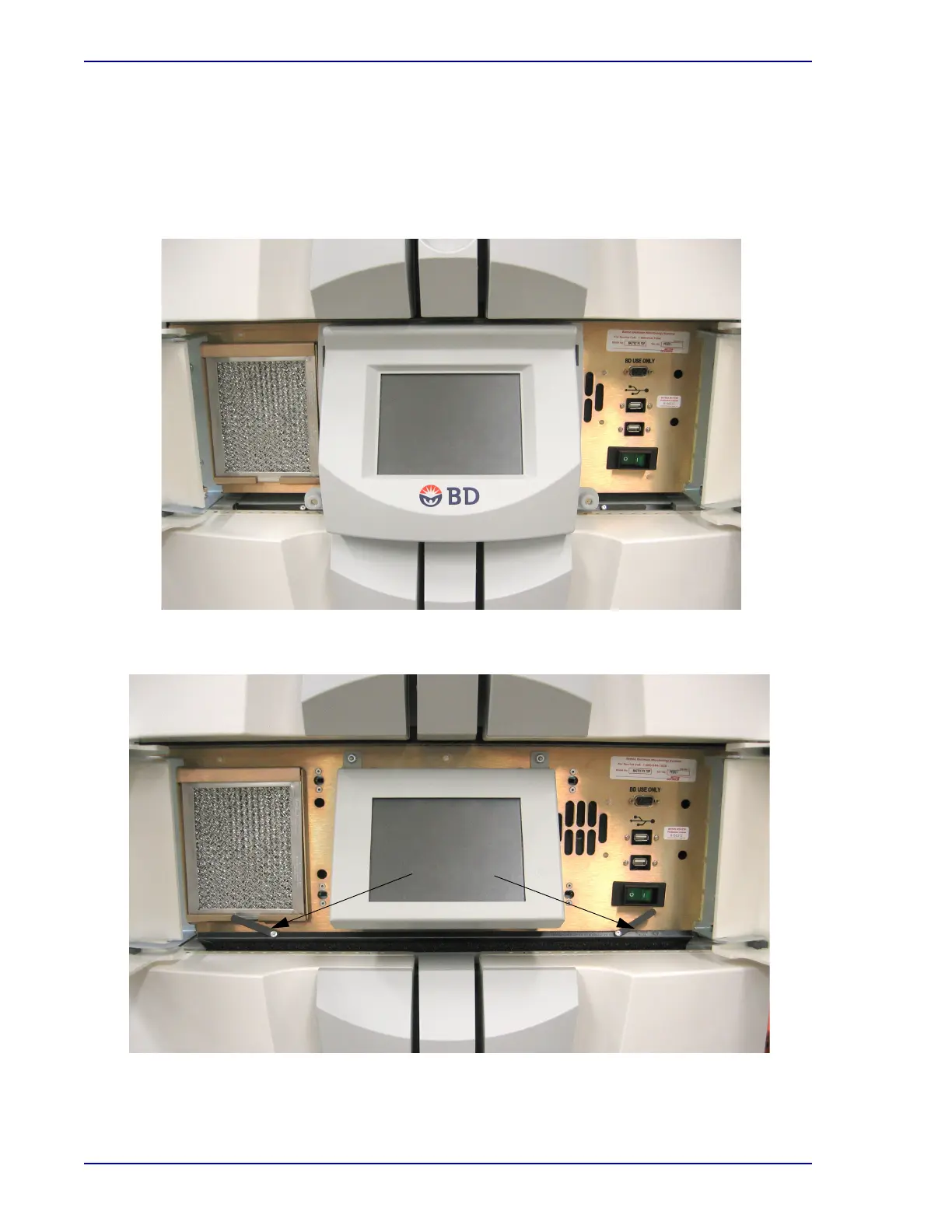
9 To replace the filter, align it with the slot from which it was removed and push it down into
place.
10 Align the pins in the LCD bezel with the holes in the instrument, and push the bezel back into
place. Select all four corners of the bezel to make sure it is in place.
11 Close the access doors to the left and right of the LCD Touchscreen.
Figure 6-4 – Bottom Cabinet Air Filter (LCD bezel in place, access doors open)
Figure 6-5 – Bottom Cabinet Air Filter (LCD bezel removed, filter partially removed)











 To Next Page