6 – Maintenance
149
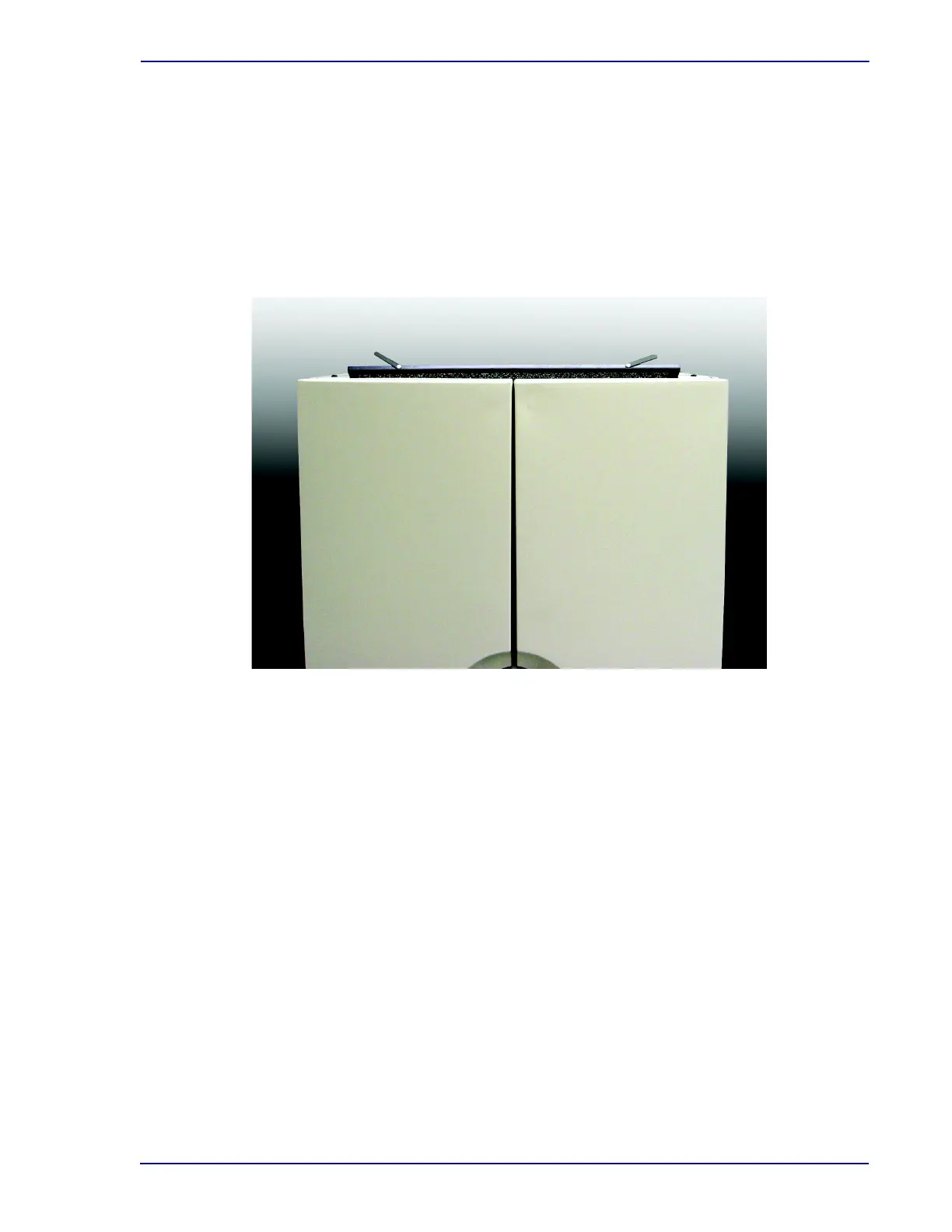
Removing the top cabinet air filter (Figure 6-3):
1 The top cabinet air filter is located at the top front of the upper instrument. To reach the filter for
removal, a stable stepladder should be used.
2 Two small tabs are located on the top edge of the filter. Locate and grasp the tabs.
3 Pull the filter up out of the instrument.
4 To insert a clean filter, align it with the slot from which it was removed and push it down into
place.
Figure 6-3 – Top Cabinet Air Filter (shown partially removed)
Removing the bottom cabinet air filter (Figure 6-4):
1 The bottom cabinet air filter is located at the top front of the lower instrument. Because the
lower instrument has an instrument atop it, it is accessed differently from the upper instrument.
2 Pivot the access door to the left of the LCD Touchscreen outward away from the instrument.
The door opens like a left-hinged door.
3 Pivot the access door to the right of the LCD Touchscreen outward away from the instrument.
The door opens like a right-hinged door.
4 Next the LCD Touchscreen bezel must be removed. Figure 6-4 shows both access doors open
and the LCD bezel in place.
5 Grasp the bezel at both sides. Gently but firmly pull straight out. The bezel will pop free with
light to medium force.
6 Figure 6-5 shows both access doors open, the LCD bezel removed, the filter tabs upward, and
the filter partially removed.
7 The tabs for removing the cabinet air filter are located at the top edge of the filter, a short
distance from each edge.
8 To remove the filter, grasp the tabs and pull the filter up out of the instrument.











 To Next Page