BD BACTEC™ FX Instrument User’s Manual
28
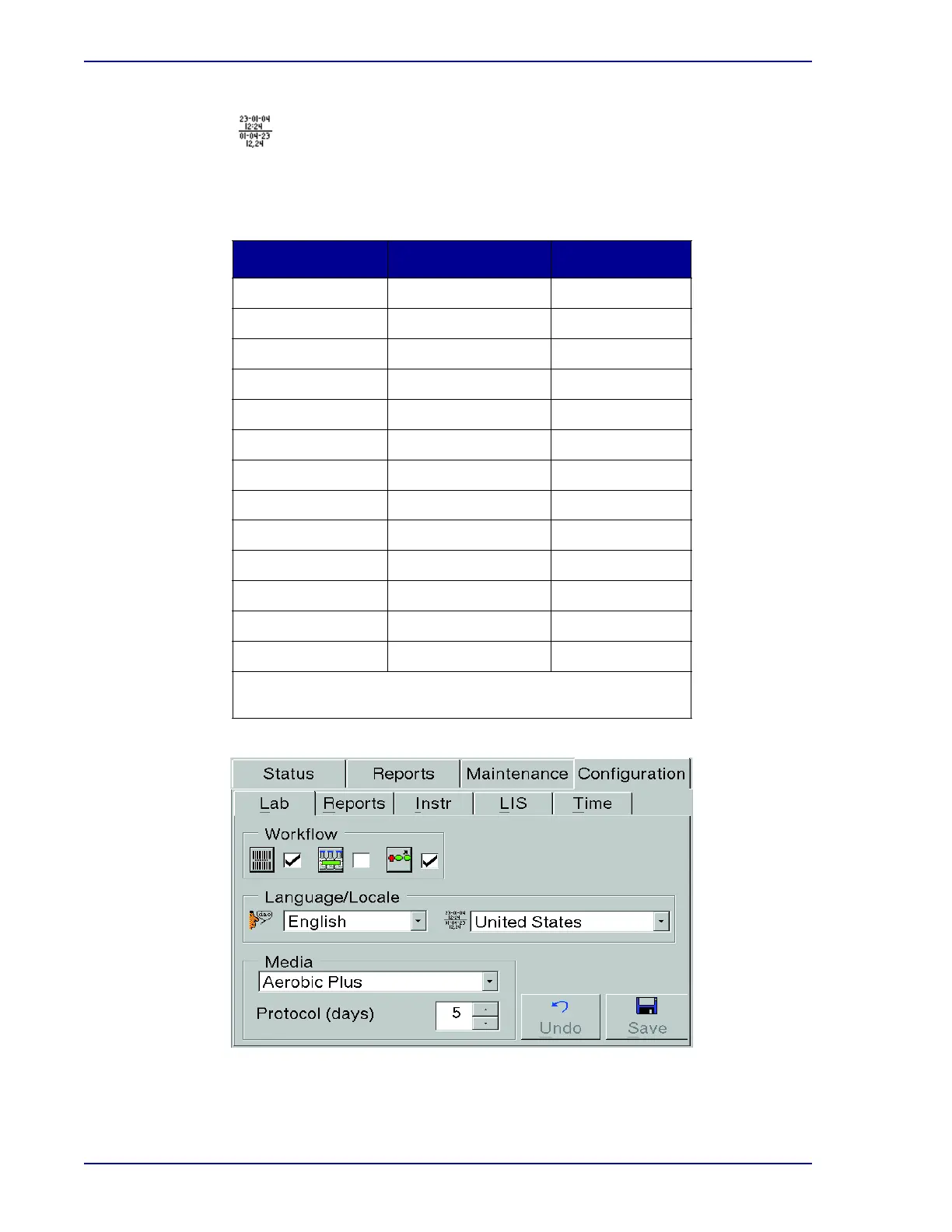
Select a country or ISO (international) to automatically select a corresponding time and date
format. The default setting is United States. To see the available selections, select the Down
Arrow button to the right of the field. You can choose from the following selections:
Figure 2-4 – Lab Configuration Display
In a BD EpiCenter configuration, selecting a country (locale) at one instrument selects that
locale for all instruments.
Country
Select Locale Date Format Time Format
ISO yyyy-mm-dd HH:MM
Danmark dd-mm-yyyy HH.MM
Suomi dd.mm.yyyy HH:MM
France dd/mm/yyyy HH:MM
Deutchland dd.mm.yyyy HH:MM
Greece dd/mm/yyyy HH:MM
Italia dd/mm/yyyy HH.MM
Nederland dd Mmm yyyy HH:MM
España dd/mm/yyyy HH:MM
Sverige yyyy-mm-dd kl HH.MM
United Kingdom dd/mm/yyyy HH:MM
United States mm/dd/yyyy hh:MM am/pm
Japan yyyy-mm-dd HH:MM
dd = day; mm = numeric month; Mmm = alphabetic month; yyyy = year;
HH = hours (24-hour clock); hh = hours (12-hour clock); MM = minutes











 To Next Page