5 – Reference
93
To access Vial Entry:
Open a drawer and scan a new vial sequence or accession barcode, or
Vial Entry Fields:
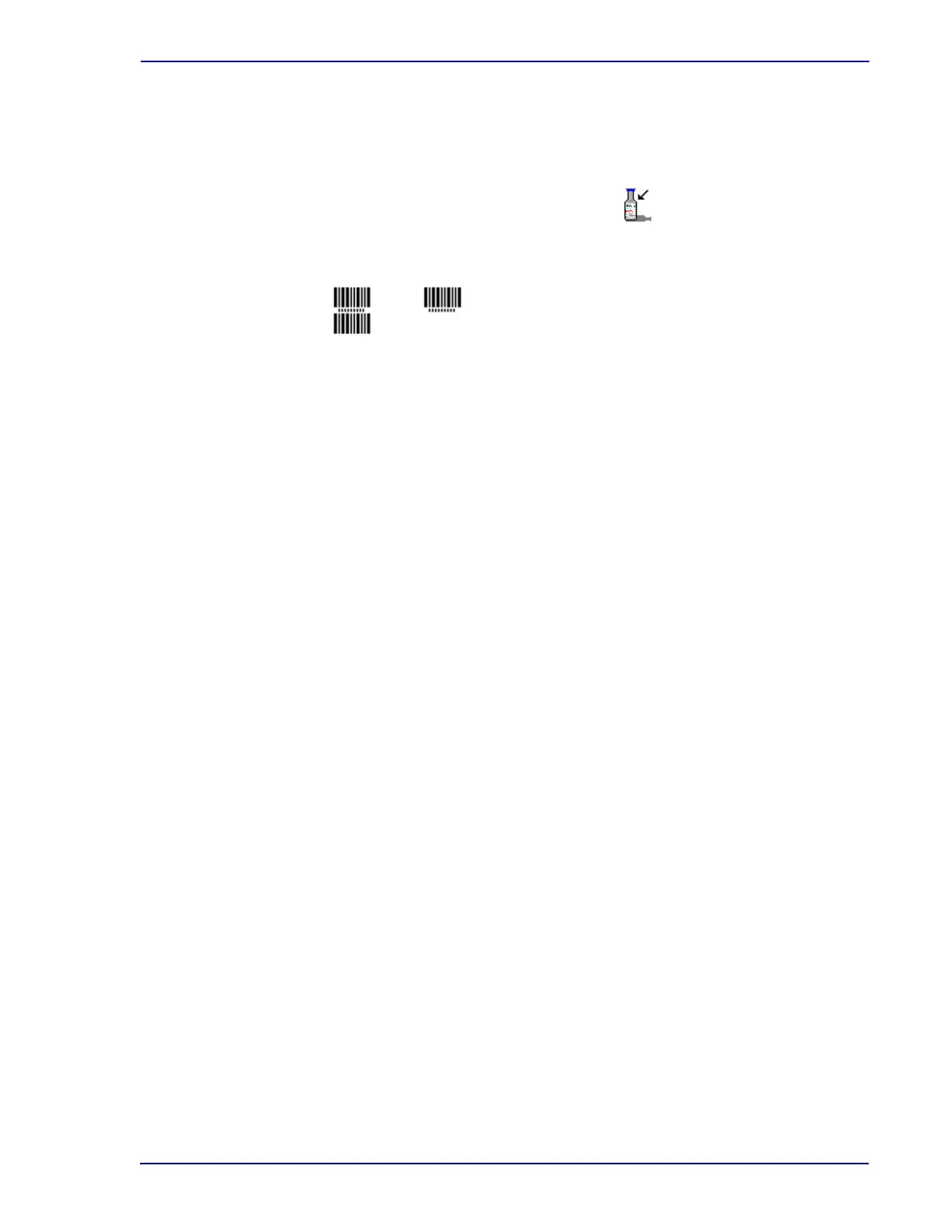
At the top left of the display either a single-height or double-height barcode appears. The
single-height barcode indicates that only sequence barcode scans are accepted on the Vial
Entry display (i.e., Accession Barcoding is disabled). The double-height barcode indicates that
both sequence and accession barcode scans are accepted (i.e., Accession Barcoding is
enabled). Accession barcoding is enabled/disabled in the Configuration – Lab display.
Accession
Scan or type in the accession number, up to 20 alphanumeric characters, excluding the
following:
* ? [ ] ! # |
Accession number cannot be 12 digits long AND begin with the numbers “44.” The barcode
scanner does not turn on for accession scanning if accession barcoding is disabled in
Configuration – Lab.
Sequence
Scan or type the vial barcode sequence number located on the vial label. Sequence number is
a 12-digit number beginning with “44.”
Medium
If the sequence number is scanned or typed, the medium type is automatically entered in this
field. If the sequence number contains the code for a replacement media label
(##99########), you can select this field and select the appropriate medium from a
drop-down list of configured media.
Open a drawer and select Vial Entry on the Status display
Barcoding icon











 To Next Page