BD BACTEC™ FX Instrument User’s Manual
94
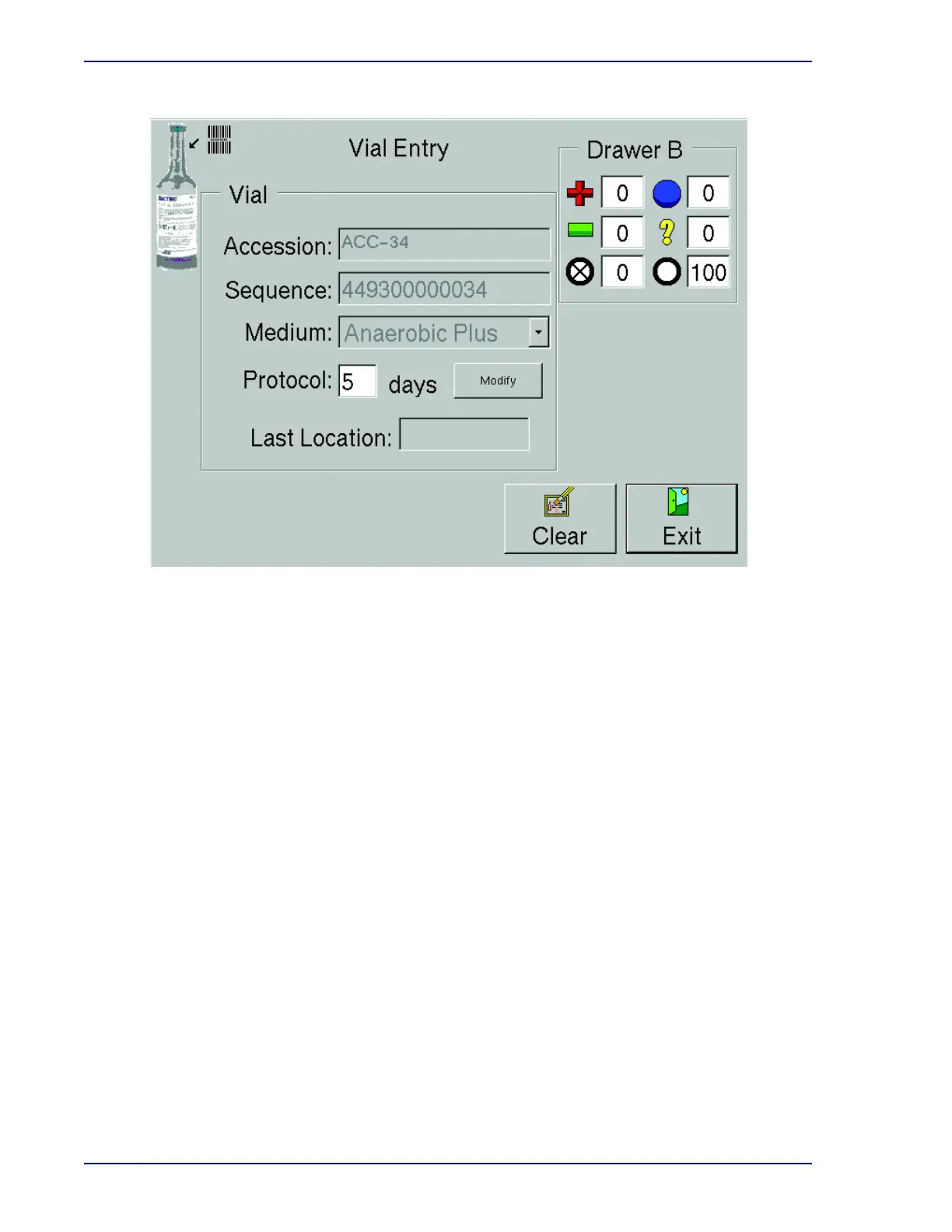
Figure 5-5 – Vial Entry Display
Protocol
The default protocol for the medium type entered is shown. To change this protocol, select
Modify and refer to that information below.
Last Location
If the vial was previously entered in the instrument, this field shows the station number from
which the vial was removed. If you have scanned a new vial (pending status), or an unknown
sequence number, the field remains blank.
Drawer X (where X is the current drawer)
Counters for positive vials (+), negative vials (–), blocked/unusable stations () ongoing vials
(), anonymous vials (?), and available stations (O).
Vial Entry Buttons:
Modify button
Select to bring up a window enabling you to change the vial's protocol length. This changes
the protocol only for the current vial. To change the default protocol for a medium type, use the
Configuration – Lab display.
To modify the protocol, select the Up Arrow to increase the protocol. To decrease the
protocol, select the Down Arrow. When the desired protocol appears, select OK. To exit the
window without changing the protocol, select Cancel.











 To Next Page