Installation
Configuration Setup
60 Transceiver Family 620X DV14307.03 Issue 04 March 2016
Input /IC (Pin P1-7) activates intercom only from microphone path 1
"OUTPUTS"
HDPH 1 ENABLED
Audio available on headphone 1 output (Pins P1-2/P1-3)
HDPH 1 DISABLED
No audio available on headphone 1 output.
HDPH 2 ENABLED
Audio is available on headphone 2 output (Pins P1-20/P1-22), speaker
not available.
HDPH 2 DISABLED
No audio available on headphone 2 output, speaker not available.
SPEAKER ENABLED
Audio is available on speaker (Pins P1-1/P1-14), headphone 2 not
available
NONE
No audio on headphone 2 output or speaker output.
Note: Menu available on primary controller. Displayed only if
MIKE_SW input (Pin J1-24) has inactive state.
On "IN/OUT CFG 2" page the microphone inputs and headphone
outputs for configuration CFG2 can be configured. This page is
displayed only if MIKE_SW input (Pin J1-24) has active state. Please
note when MIKE_SW connected in installation both configurations for
IN/OUT CFG1 and IN/OUT CFG2 shall be configured.
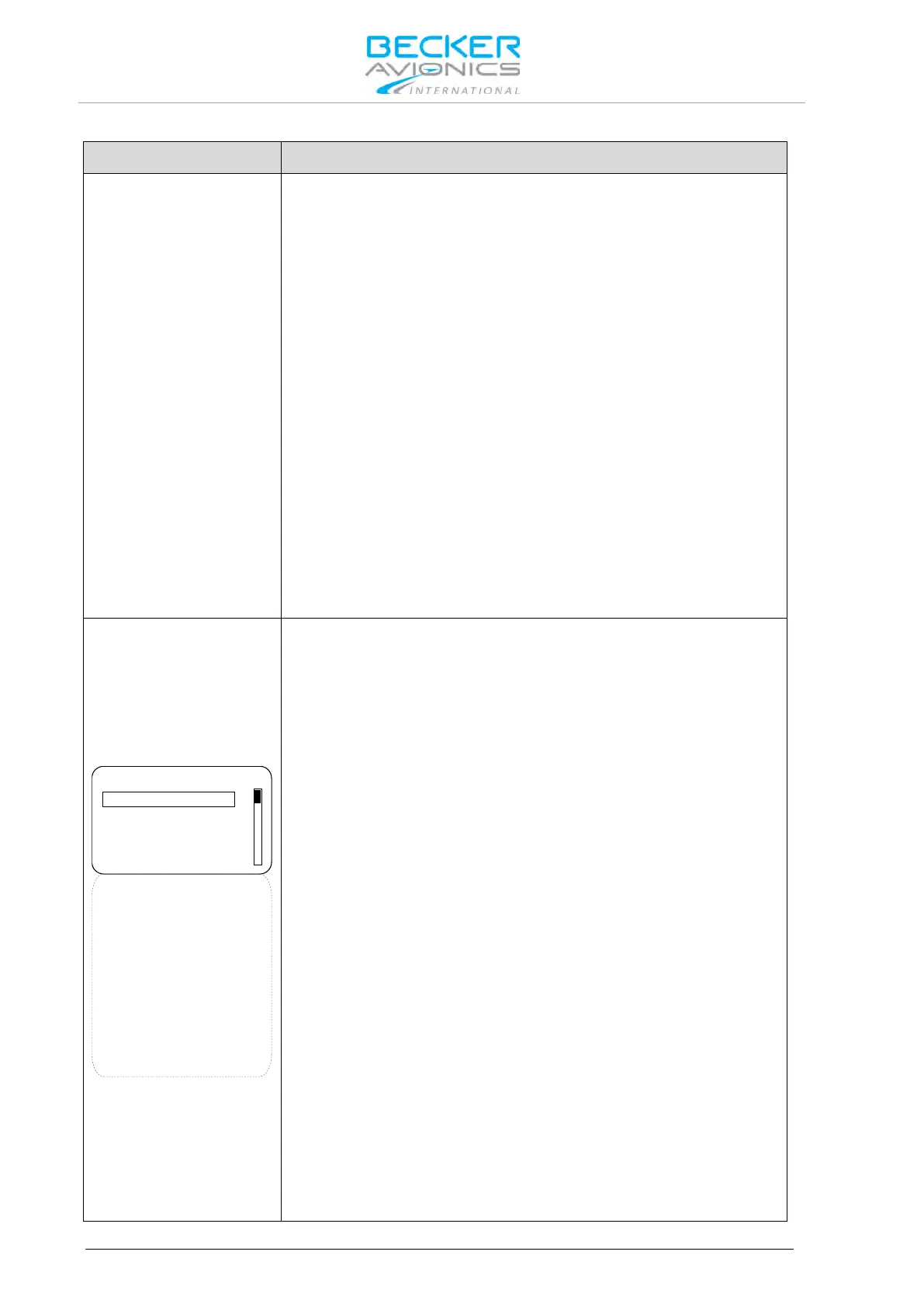
To scroll the page turn the "ROTARY ENCODER".
MICROPHONE 1
○ STD 1 MIKE
○ STD 2 MIKE
○ STD 3 MIKE
● DYN MIKE
○ NONE
MICROPHONE 2
○ STD 1 MIKE
○ STD 2 MIKE
○ STD 3 MIKE
○ DYN MIKE
● NONE
MIC ACTIVATION
BOTH MIKES
OUTPUTS
HEADPHONE 1
○ HEADPHONE 1
● SPEAKER
○ NONE
IN/OUT CFG 2
"MICROPHONE 1" (at one time only one option can be selected):
STD1 MIKE
Standard microphone input 1 (Pins P1-18/ P1-8) is selected
STD2 MIKE
Standard microphone input 2 (Pins P1-9/ P1-8) is selected
STD3 MIKE
Standard microphone input 3 (Pins P1-19/ P1-8) is selected
DYN MIKE
Dynamic microphone input (Pins P1-6/ P1-5) is selected
NONE
No microphones is used in microphone path 1
"MICROPHONE 2" (at one time only one option can be selected):
STD1 MIKE
Standard microphone input 1 (Pins P1-18/ P1-8) is selected
STD2 MIKE
Standard microphone input 2 (Pins P1-9/ P1-8) is selected
STD3 MIKE
Standard microphone input 3 (Pins P1-19/ P1-8) is selected



 To Next Page