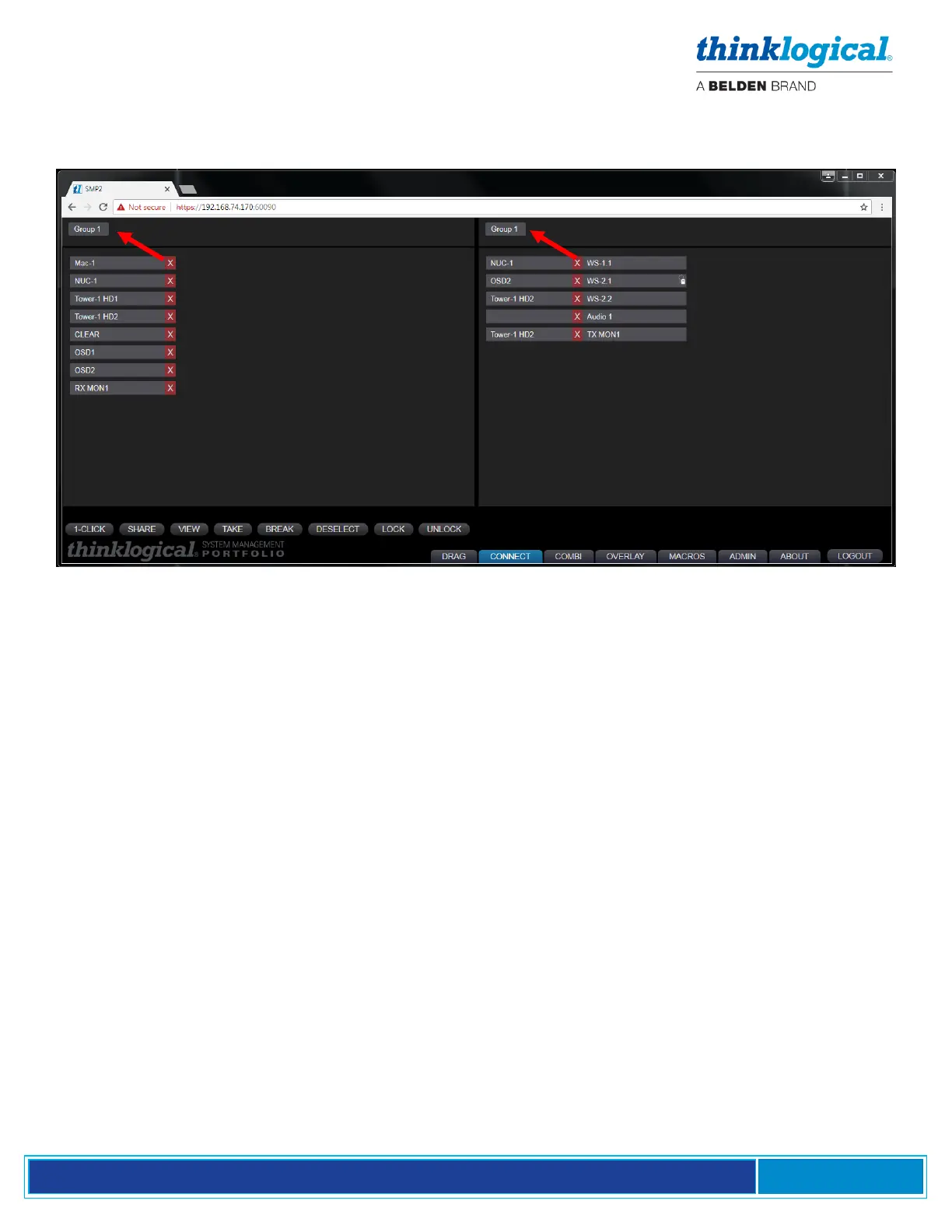
The same Sources and Destinations in the Drag N Drop GUI are also displayed on the Connect and
Combi pages. These can be divided into named sub-sets that appear in the tabs along the top. This
is useful for larger systems with many sources and destinations.
The remainder of this document will use screen shots, diagrams and text to describe in detail each of
the hardware components and the on-screen tabs and windows that make up the System Management
Portfolio 2.0 and how they can be used to manage Thinklogical deployments of any size.
▪ The SMP Appliance
The SMP Appliance, a major hardware component of the SMP2, is a system wide, non-intrusive
monitoring and control device connected to a Thinklogical Matrix Switch serving both 10G (TLX)
and 6G (VX) extenders and the connections between them. The SMP Appliance incorporates a core
processor that runs System Management Portfolio 2.0. (See the Cable Connection Diagram, pg. 7.)
▪ Collects system health and status information from all VelocityKVM and TLX equipment.
Can also set selective firmware updates to any remotely upgradeable Thinklogical modules.
▪ The SMP Appliance is a stand-alone, rack mountable unit in a 14.07” D x 17.49” W x 1.72” H
chassis with four software-controlled cooling fans. There are no other externally-pluggable
modules.
▪ Can be used with a Matrix Switch of mixed rate Input/Output Cards (i.e. both 10G and 6G),
however, the MON and the OSD I/O ports are hardware configured as either 6G or 10G.
▪ Has download capabilities for Thinklogical Firmware updates. This includes the ability to send
Firmware updates to any connected, upgradable Thinklogical module endpoint.



 To Next Page