The MONITOR Tab
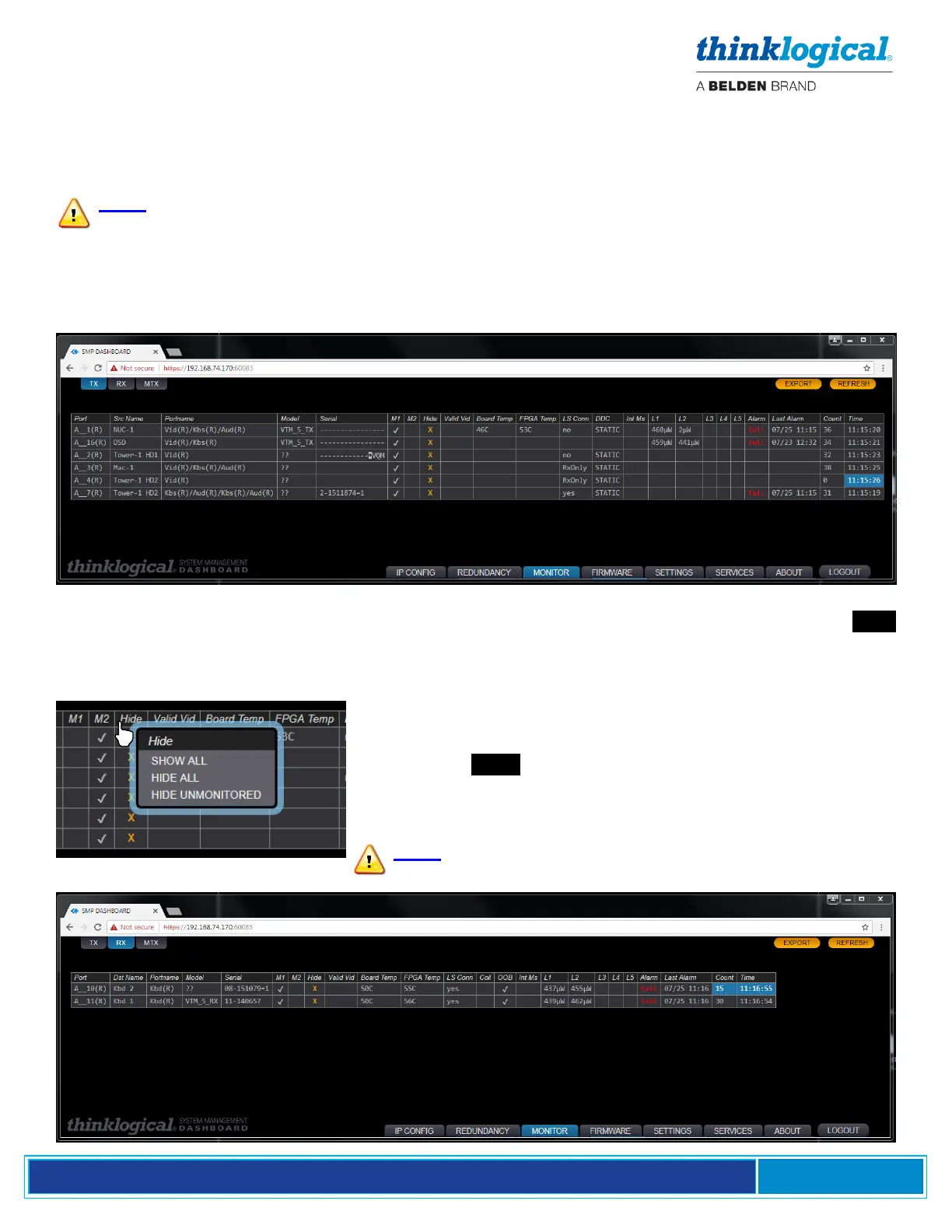
The MONITOR pages gather and display diagnostic information received from the extenders connected
to the Matrix Switch (when available). Some extenders do not provide this information, so some table
entries may be blank.
Note: This feature is available on the SMP2 Appliance, but not on the SMP Module. To
enable this function, ports must be assigned in the SMP2 Source and Destination Tabs
along with the corresponding ports. These ports must be connected between the Matrix
Switch and the SMP2 Appliance. The Source tab must have “RX1 MON” and optionally
“RX2 MON.” The Destination tab must have “TX1 MON” and optionally “TX2 MON.”
▪ The Transmitter (TX) Tab
The MONITOR application scans each selected port approximately once per second and records
the results. With large numbers of ports, this could take many minutes. It may be desirable to Hide
some ports so not all are scanned at once. Also, the second MONITOR connection to the SMP2
Appliance may be enabled and connected to the switch to double the frequency of port monitoring to
two ports per second.
▪ The Receiver (RX) Tab



 To Next Page