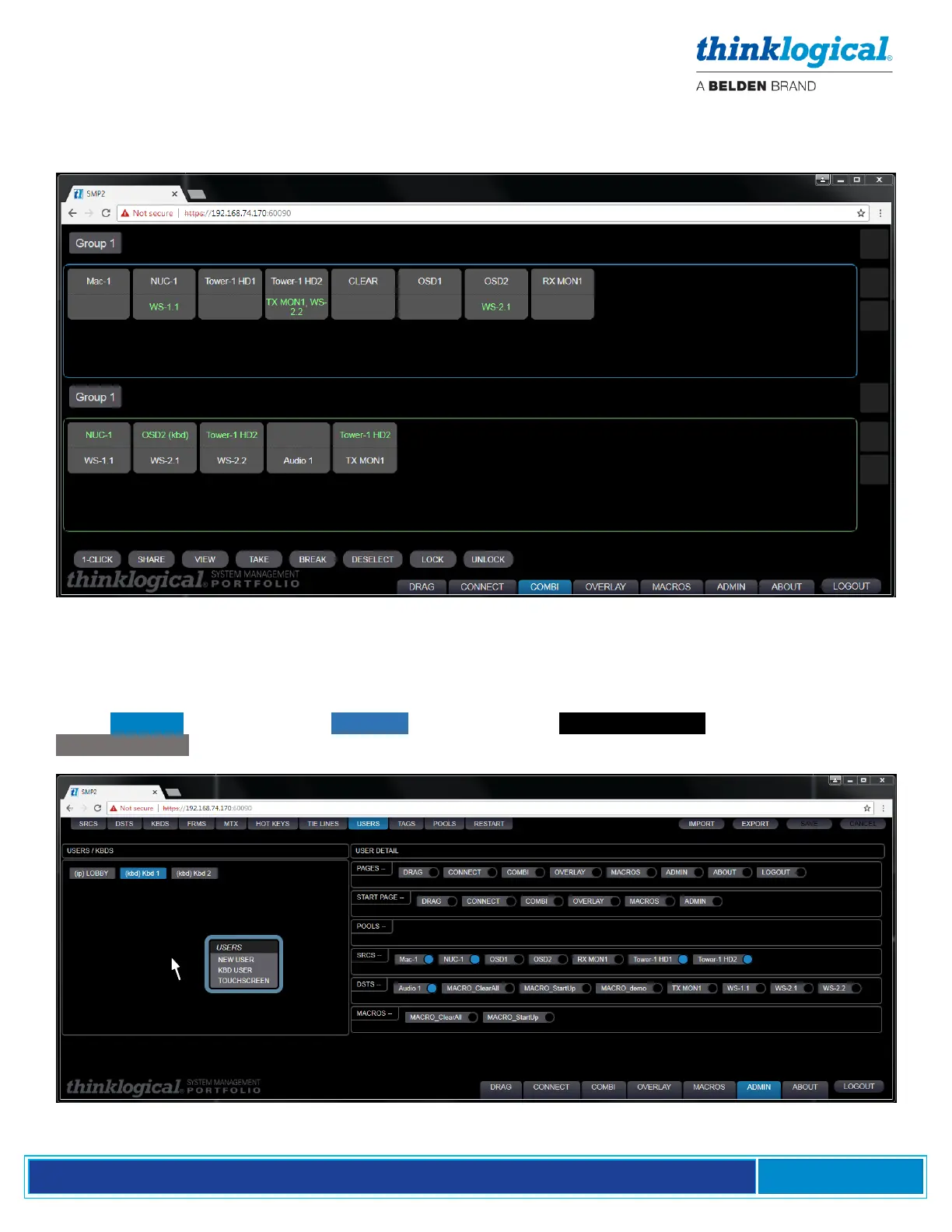
THE COMBI TAB
The COMBI Tab is functionally identical to the CONNECT Tab but is formatted to accommodate use
on a Touchpanel Screen. See THE CONNECT TAB, below, for an explanation of functionality.
Adding a Touchpanel
In the ADMIN page, select the USERS Tab. Click in the USERS / KBDS window, then Click on
TOUCHPANEL in the resulting drop-down menu.



 To Next Page