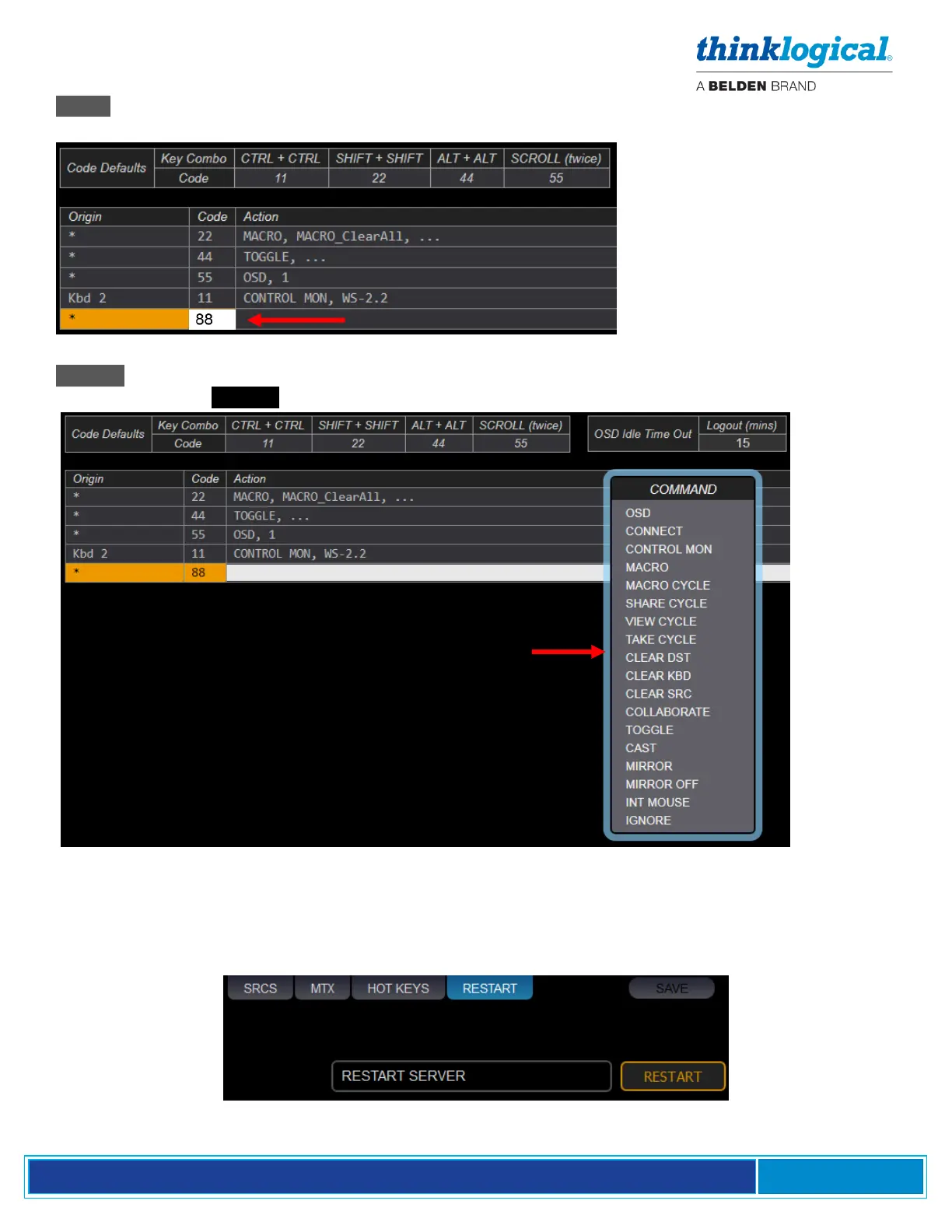
‘Code : Left-click within the Code field. Type in a hexadecimal key combo as shown below. (In this
example code ‘88’ was chosen for a new hotkey function.)
‘Action : Left-click within the Action field. Select from the drop-down menu. See more of what each
Action does under Details on pgs. 20-21.
The RESTART Tab
This is a convenient way to restart the SMP2 server after certain conditions, such as when making edits
or changes to the system that may require the system to restart.



 To Next Page