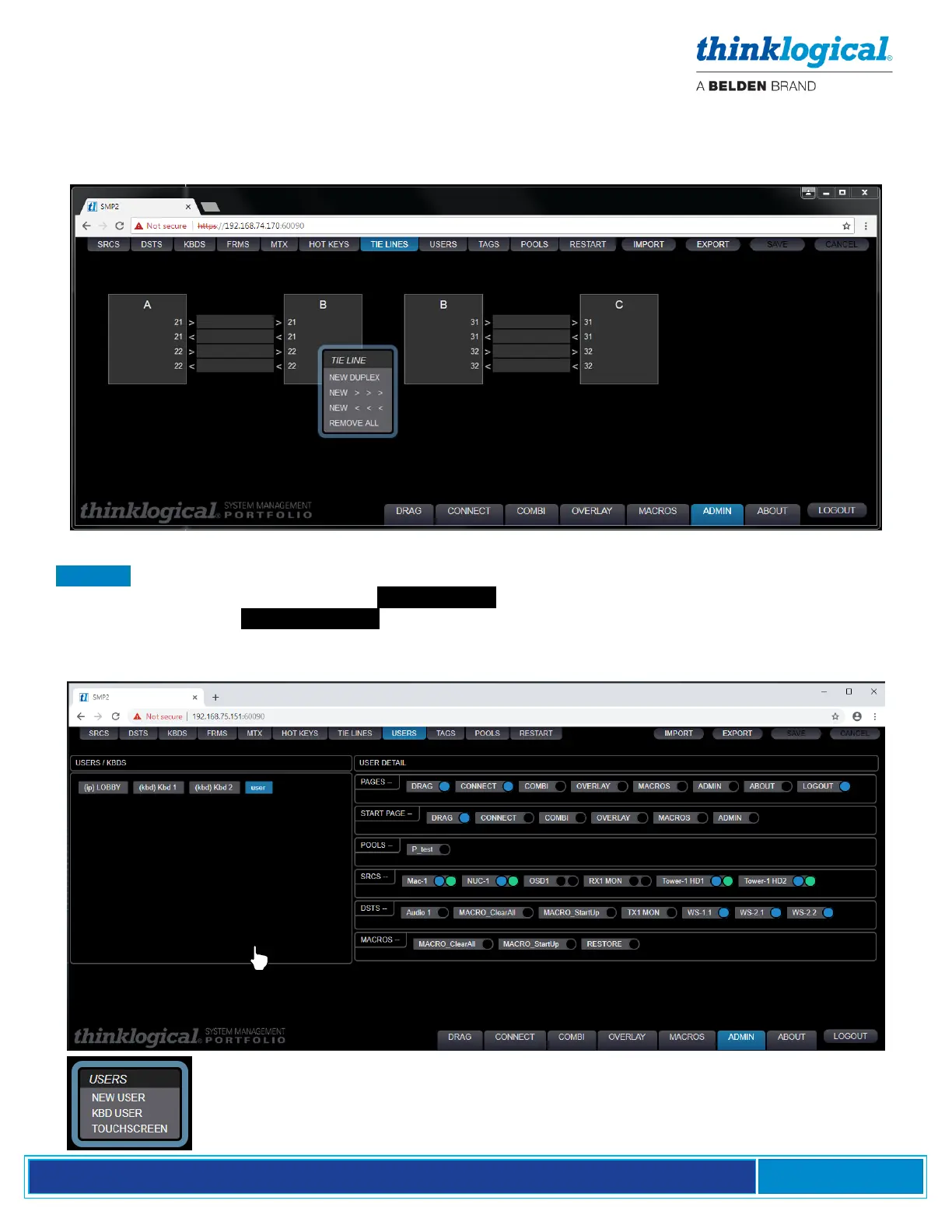
Add tie lines to as many Switches as needed. After the tie lines are created, users may click on them
for a new menu: CLEAR, DELETE, AUTO, *MANUAL*. Selecting AUTO is required for the SMP2 to
automatically use an available tie line when making routes. The *MANUAL* selection is used when the
tie line is to be used by a third-party control system (such as AMX or Crestron, etc.).
The USERS Tab
USERS defines which assets, Sources, Destinations and Pools are available to the three user types*.
This tab displays the Users on the left USER/KBDS and which Sources, Destinations and Pools are
available on the right USER DETAIL . When a new keyboard is added under the KBDS tab, it will
automatically appear here. Colored dots, pictured below, indicate a connection’s availability status (see
pg. 35).
*Right clicking in the left frame will display a menu to select of one of three user types.



 To Next Page