The FIRMWARE Tab
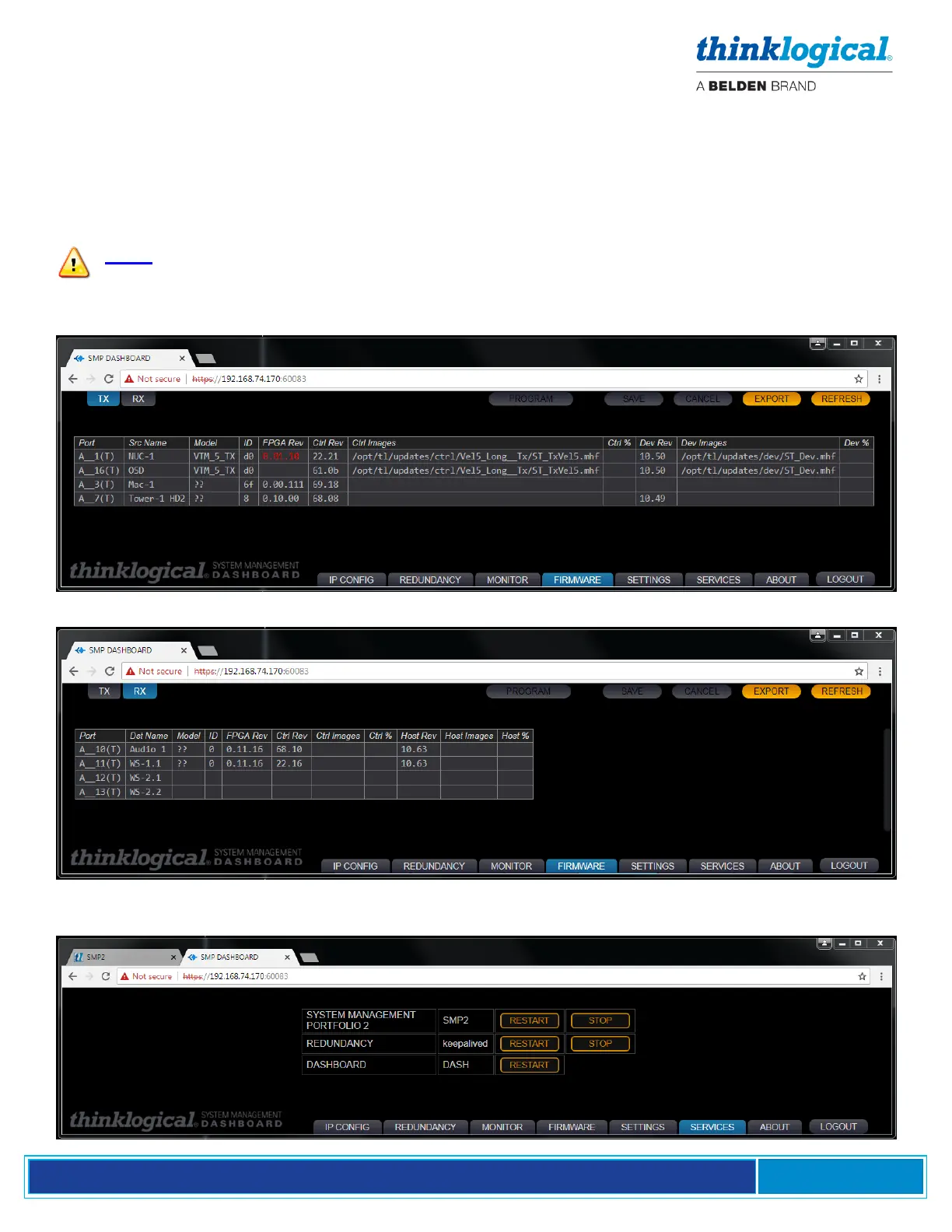
This feature allows firmware updates to be downloaded to extender modules directly from the
SMP2 Appliance or SMP2 Module. Some extenders do not provide this information, so some table
entries may be blank.
Prior to this operation, obtain the correct firmware update from Thinklogical Technical Support (1-800-
647-8700) and copy the file to a location in the /opt/tl/updates directory.
Note: It is possible that the files in this directory may not be later versions than what you
have installed. Check with Thinklogical Technical Support before updating.
The TX Firmware Tab
The RX Firmware Tab
The SERVICES Tab
This is where the SMP2, Redundancy and Dashboard Services are stopped and restarted.



 To Next Page