Pool buttons are color coded to display their status
THE MACROS TAB
A macro is a set of programmed connection instructions that execute automatically with a single
command. The .Macros Tab displays any macros that have been created. These Macros are stored
in the system under the /opt/tl/setup/macros directory.
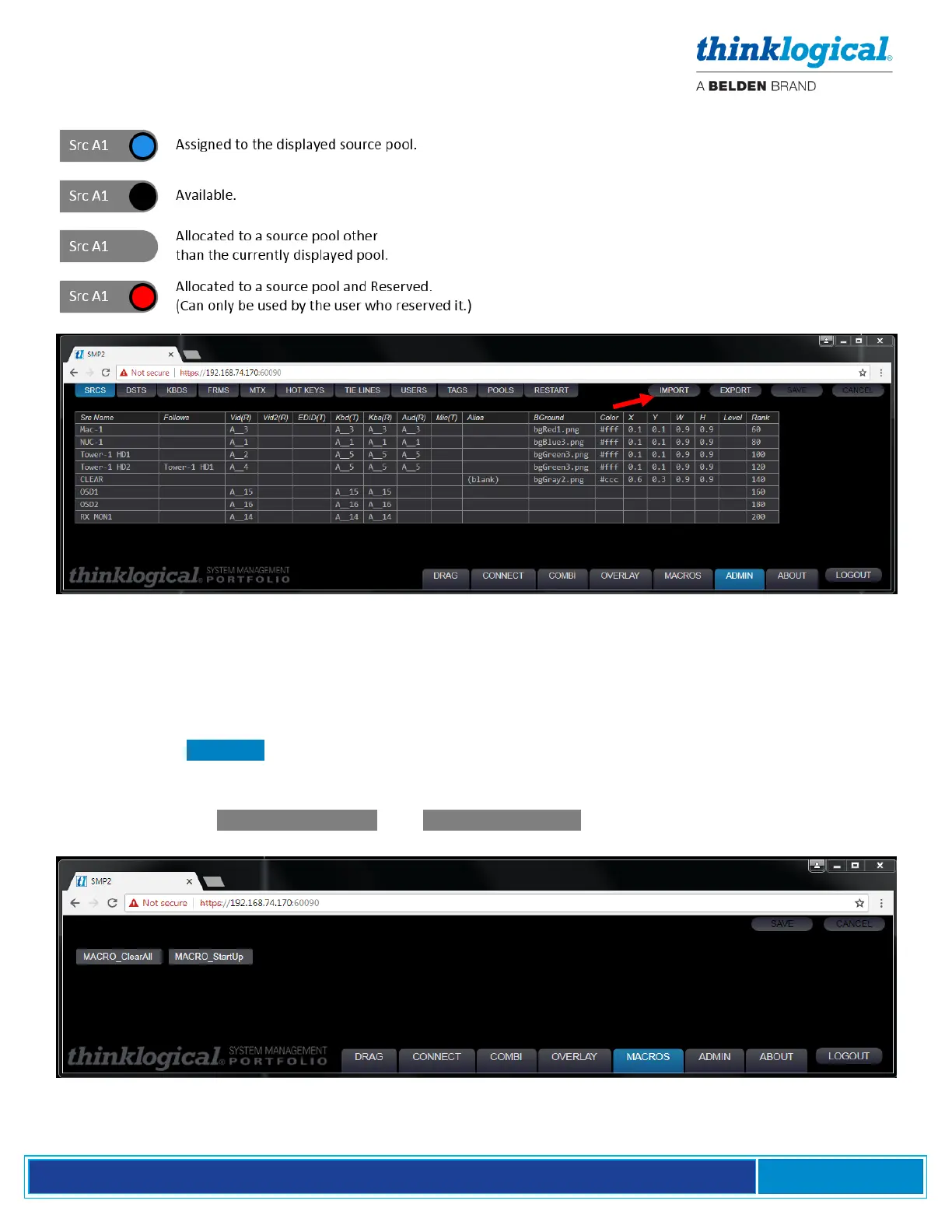
SMP2 comes with two pre-installed macros (below) for making and breaking specific connections.
These are labeled MACRO_ClearAll and MACRO_StartUp . Additional macros can be added by
following a few simple steps.



 To Next Page