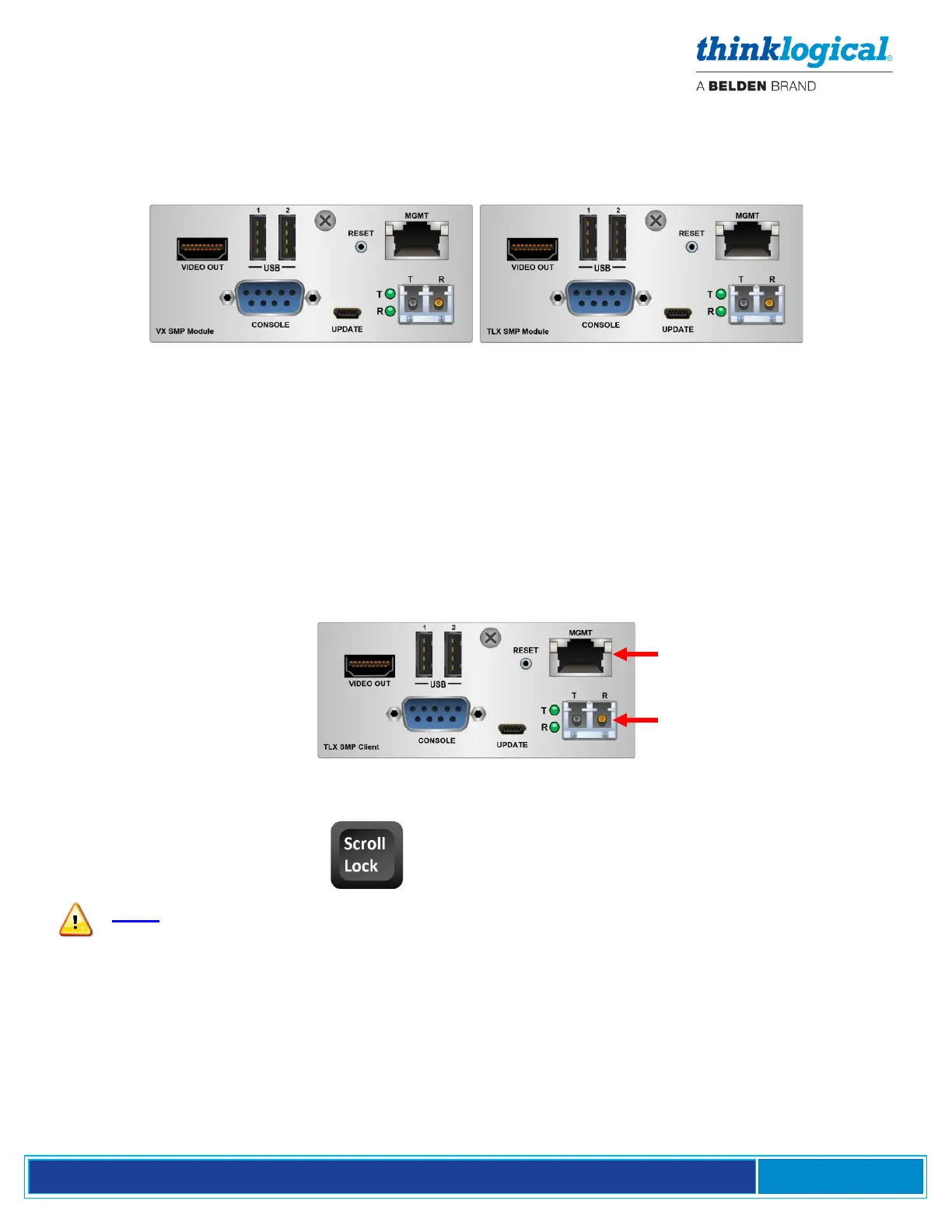
▪ The SMP Module
The SMP Module runs Debian Linux software. Like the SMP Appliance, it is available in 6G (VX) or
10G (TLX) and Multi-Mode or Single-Mode configurations and communicates with the Matrix Switch
and other components to control system operation. The SMP Module has one Ethernet interface.
▪ The SMP Client
The SMP Client is a convenient way for users to remotely connect a workstation, or multiple
workstations, to any of the sources assigned to a desk by the administrator. An SMP Client is
required for OSD functions. The OSD must be configured in the Sources Tab. The URL must be correct
and Users, Tags and Hot Keys must be filled in.
• Requires an SMP Client connected to the system with an Ethernet cable and a pair of fiber-optic
cables.
• The Out Of Band (OOB) feature on the Rx Extender must be ON. (See Appendix D, pg. 67.)
Press Scroll Lock twice:
Note: Double Scroll-Lock is the default Hotkey configuration for the OSD. A different
Hotkey may be programmed if desired.



 To Next Page