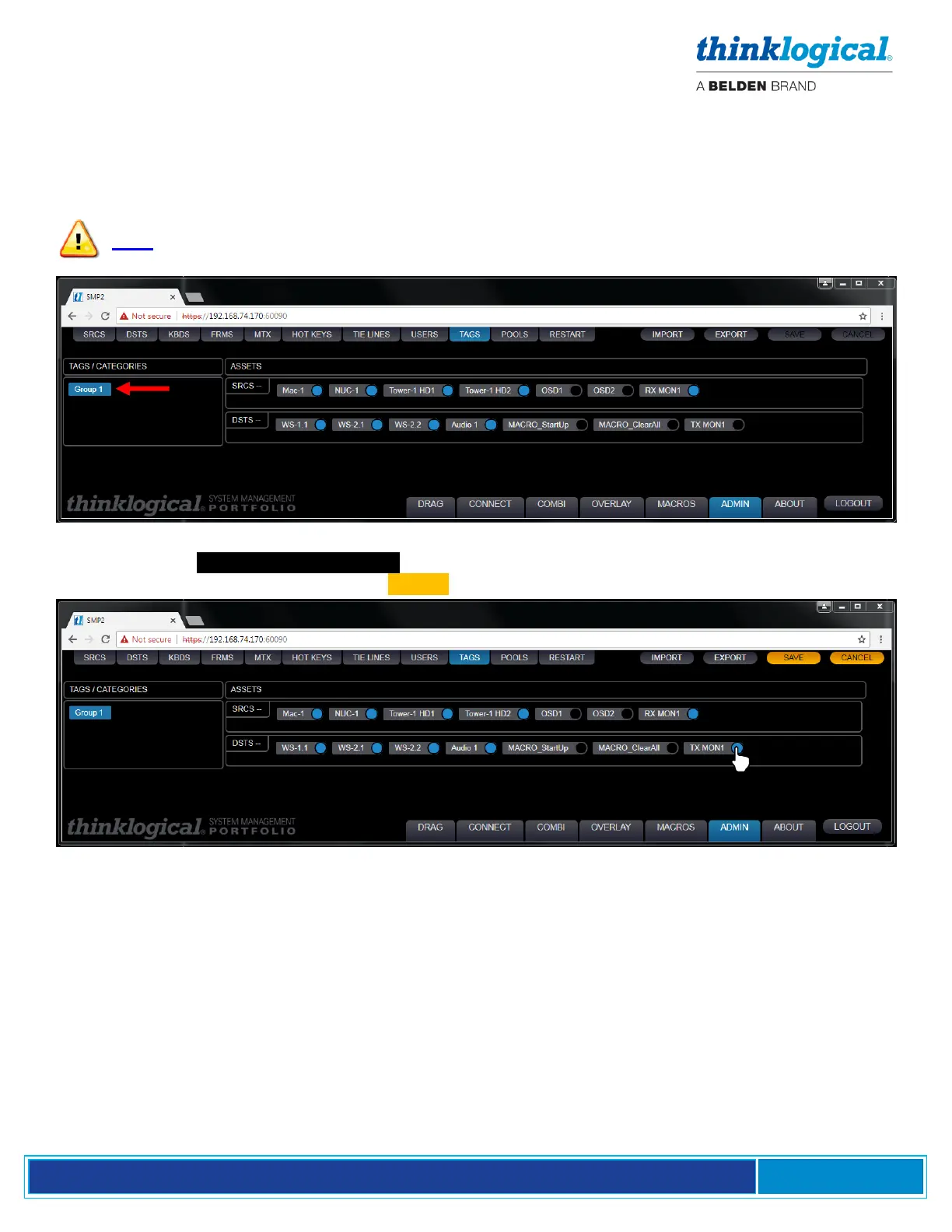
The TAGS Tab
TAGS creates named sub-sets of Sources and Destinations that belong to a specific group. This is
useful in larger systems with many sources and destinations. TAGS will be displayed and used on the
CONNECT and COMBI pages.
Note: A SOURCE must be a member of at least one Tag to be usable by the OSD
Click on a listed TAGS / CATAGORIES and any Sources or Destinations are highlighted. Changes
are made by clicking the icons. Click on SAVE to activate the change.



 To Next Page