Appendix D: Enable Hot Keys (Out Of Band)
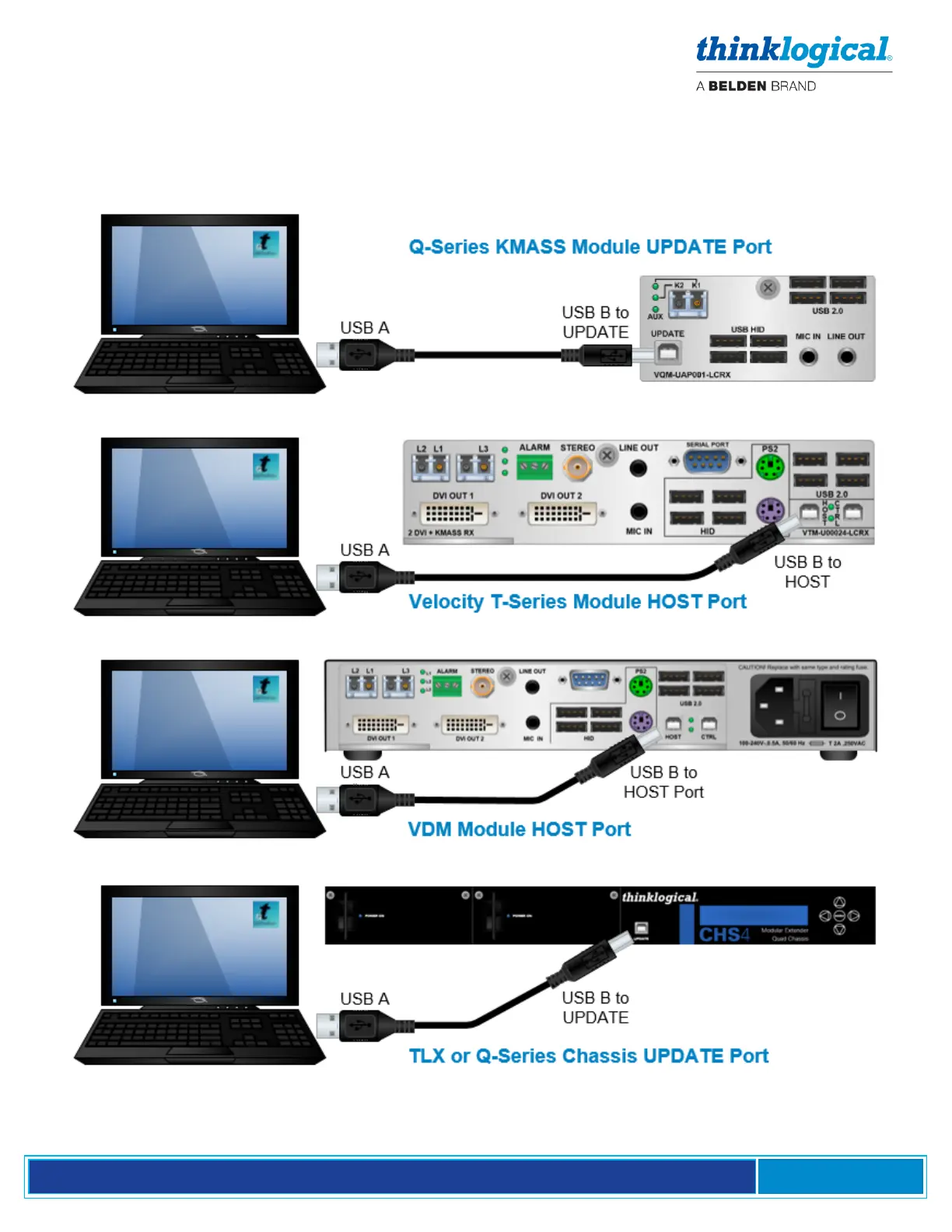
Connect the PC to the Rx HOST or Chassis UPDATE Port with a USB cable. Hot Keys can be enabled
or disabled on a Receiver Module with HID capabilities using the Chassis front panel LCD and
Navigation Buttons. See more about Hot Keys on pg. 28.
To Enable/Disable Hot Keys, follow the steps below:



 To Next Page