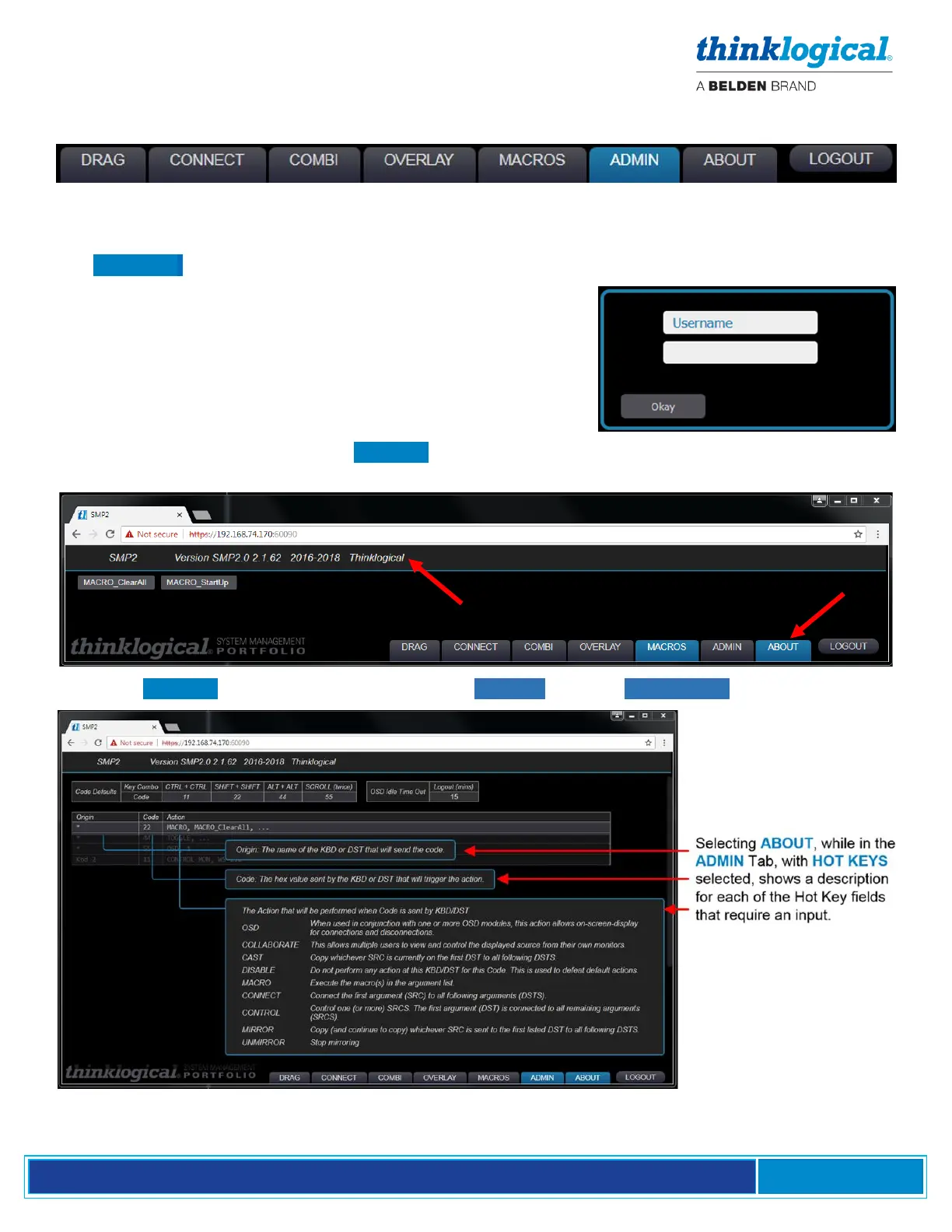
When SMP2 opens with administration rights, there will be this selection of tabs along the bottom of
the page. Clicking these tabs takes the administrator to the pages used to set-up and manage SMP2.
THE LOGOUT TAB
The LOGOUT tab will take the user out of the current session and open a new Login window, where
the user can begin a new session under a different log-in.
THE ABOUT TAB
When clicked from any window, the ABOUT tab displays the installed version of SMP2 along the top
of the page.
Additional ABOUT information is displayed in the ADMIN tab, with HOT KEYS selected (below).



 To Next Page