13
Preface
The light tone of Pinyin input method
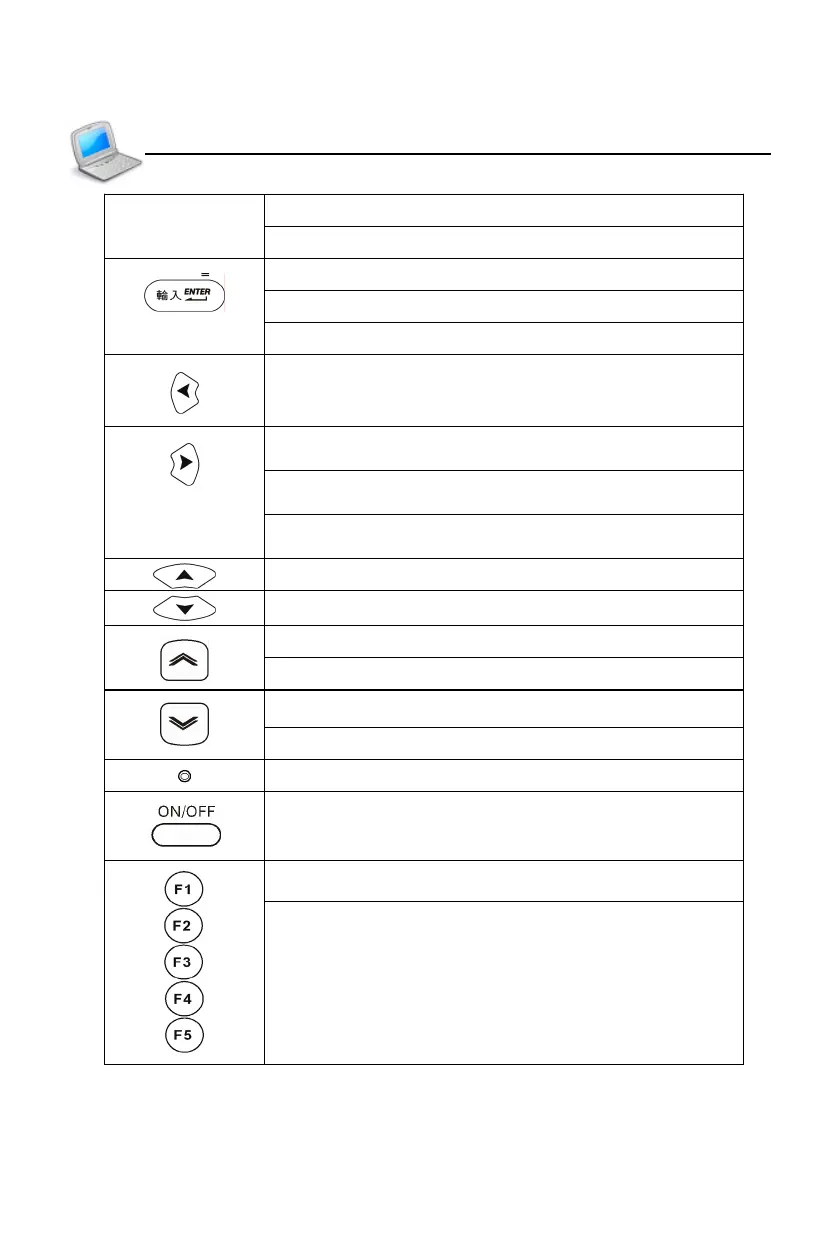
Confirm the first choice when inputting Chinese
Confirm the current action
Move the cursor to the next line to input data
Mathematical sign: equal to [=] to calculate result
Left direction key; move the cursor left or page left
Right direction key; move the cursor right or page
right
Pronounce or search when data is highlighted in the
explanation screen of dictionaries
Modify equation in tabulation calculation (can be
downloaded)
Switch the cursor up or scroll a line up
Switch the cursor down or scroll a line down
Page up
View the previous data
Page down
View the next data
RESET key
Power on/off key
Select corresponding main menu
Function keys, same as F1~F5 in the screen
Keyboard



 To Next Page