CB (E6.1) 07/2017 Page 81/145
When entering a value outside the setting range, the message “invalid value” appears. Press the
operating button to confirm with “Ok” and repeat the entry with a correct value.
Go back to the initial view with “Home”.
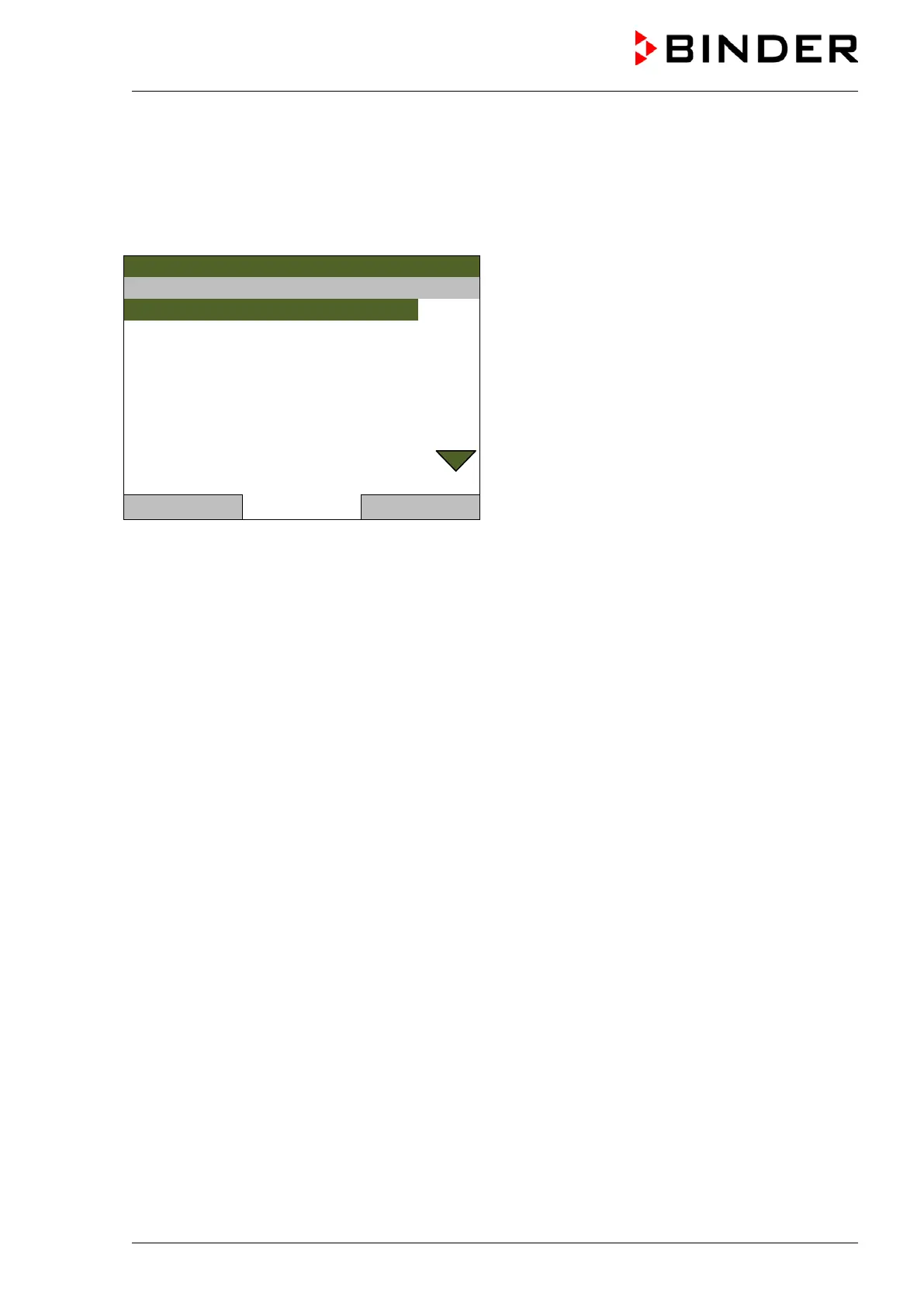
Service settings
08.03.2013 05:05:06
Submenu “Service settings”.
Access to the following submenus is password-
protected and for service purpose only.
..\ Tolerance ranges\ Service settings
Temperature alarm delay 2
Close Home



 To Next Page