16 Biodex Medical Systems, Inc. © 2017
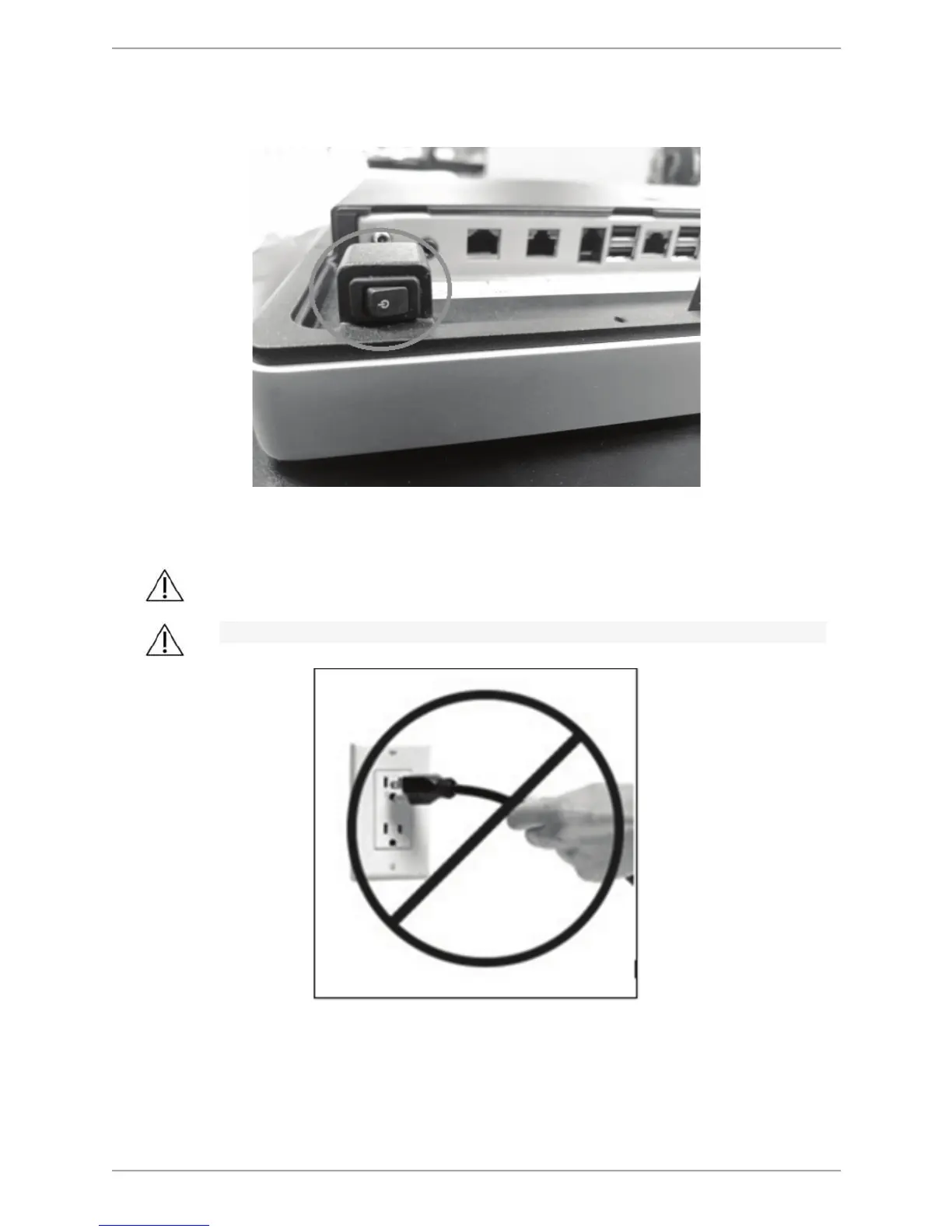
Note: If the display is shut down, but not unplugged, it can be turned back on by pressing the
rocker button on the bottom of the display.
Figure 2.3. Use the rocker button on bottom of the monitor to power the device back on.
Once the display has finished its shut down sequence, power may be removed from the system.
CAUTION: Do not unplug the device before powering down the display!
ATTENTION:
Ne débranchez pas l 'appareil avant de mettre l' écran hors tension!
Connecting Components
In addition to the printer that is shipped with the Balance System SD, other printers may also be
used with the device. Most Windows 7 printers should be compatible with the Balance System
Figure 2.4 Do not unplug the device before powering down the
display.



 To Next Page