92 Biodex Medical Systems, Inc. © 2017
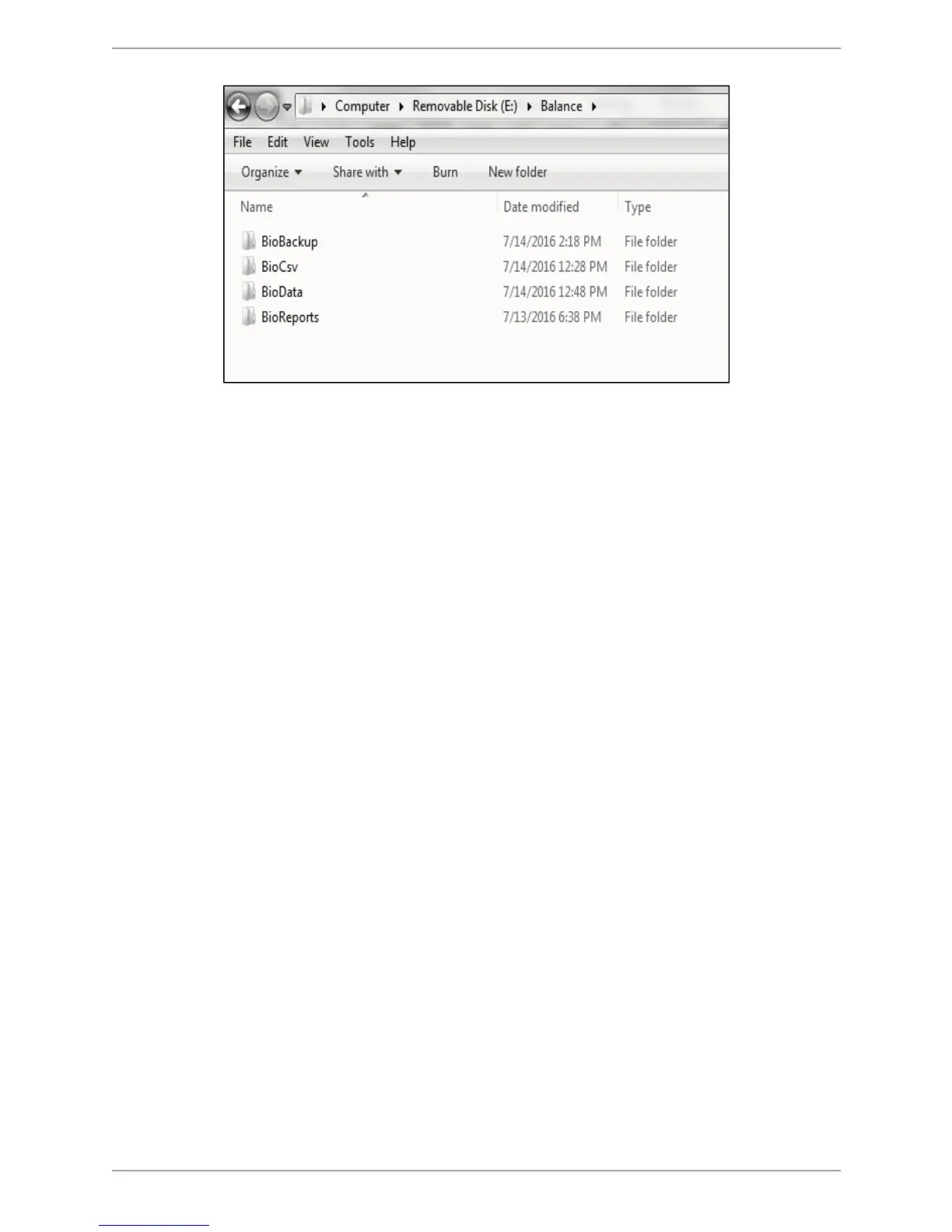
Figure 8.35. The hard drive saving location for the <Export PDF> function.
As illustrated in Figure 8.29, the BioReports folder is just one of several subfolders that are
automatically generated in the main directory. The following is a list of the subfolders,
along with the types of files they contain:
! BioBackup: The backup of system settings with database.
! BioCsv: Both individual CSV file and multi data CSV files.
! BioData: The patient test results as a Binary file.
! BioReports: The reports in PDF format.
Exporting Patient Data
The Export Patient Data function allows patient data from a stored test to be exported in a
binary (.bio) file format or a CSV format.
To Export a Specific Patient Data File:
1. Select a particular row at the Patient Management. Select a Patient screen and touch <Next>.
At the Patient Management – Test Results screen, <Export CSV>. The file is automatically
saved to a folder named BioCsv on an inserted USB flash drive.
2. The user can export multiple files from the Patient Management – Select a Patient screen.
Touch <Export Multiple>. The following screen is displayed:



 To Next Page