24 Biodex Medical Systems, Inc. © 2017
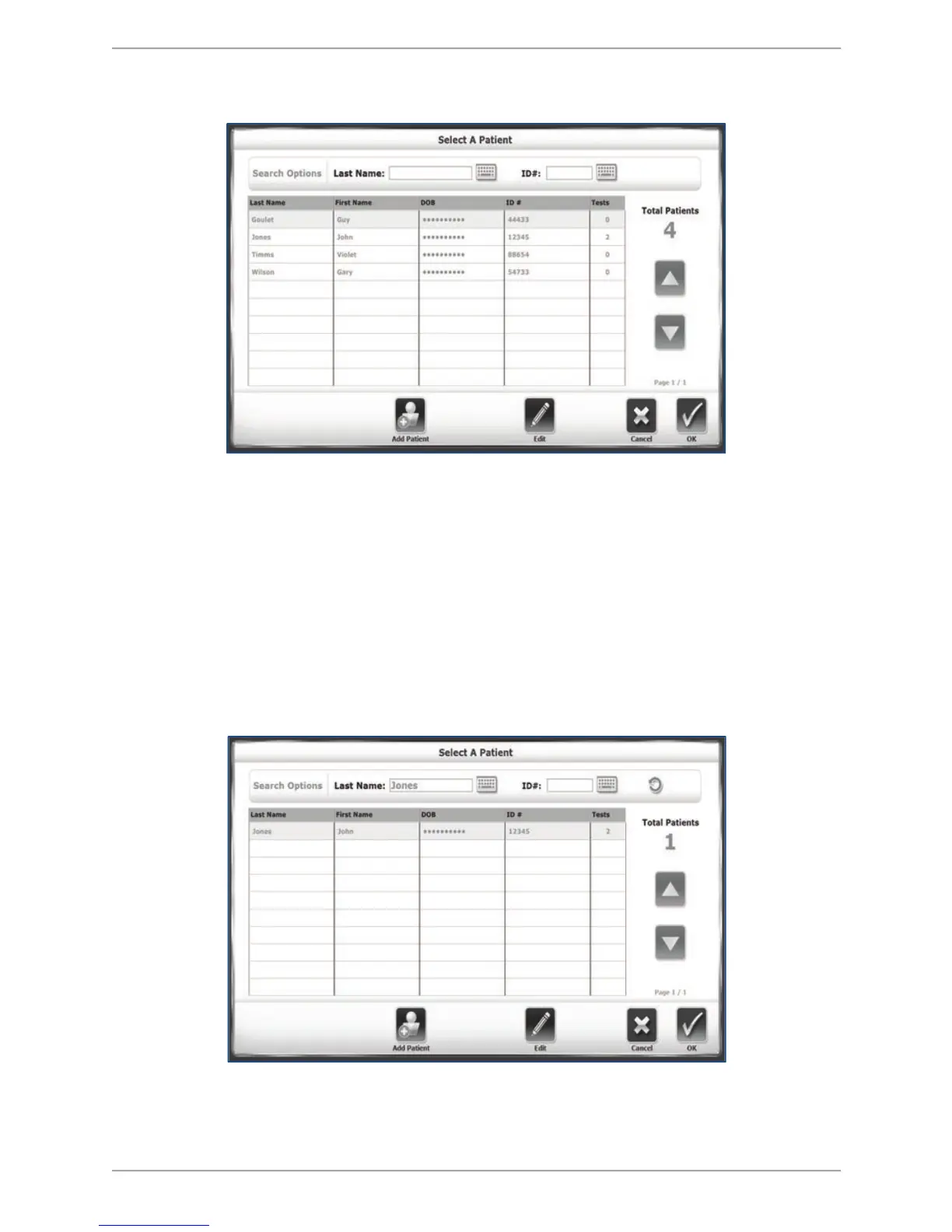
The Select Patient Screen
Figure 5.3. The Select/Edit Patient screen.
In previous versions of the software, a patient with existing data on the device could only be re-
tested by either: a) typing in his or her name exactly at it is spelled on an existing record, or b)
finding the patient within the set of records in the Patient Management section of System
Utilities. Now, with the Select Patient option, users can quickly find an existing patient and get
them started on a new training session.
There are two ways to identify specific existing patients from this screen. At the top of the
screen, the user can search for a patient’s last name or identification number. Select one of the
fields and type in either a patient last name or an ID number. Select <OK> to see a listing of
search results. To return to the list of all patients, select the circular refresh arrow icon at the
top, right of the screen.
Figure 5.4. The Select/Edit Patient screen illustrating search results. To reset listing of all patients,
select the circular refresh arrow in the upper right corner.



 To Next Page